Build applications, not infrastructure
Kubernetes abstraction
High-level primitives instead of YAML and Terraform
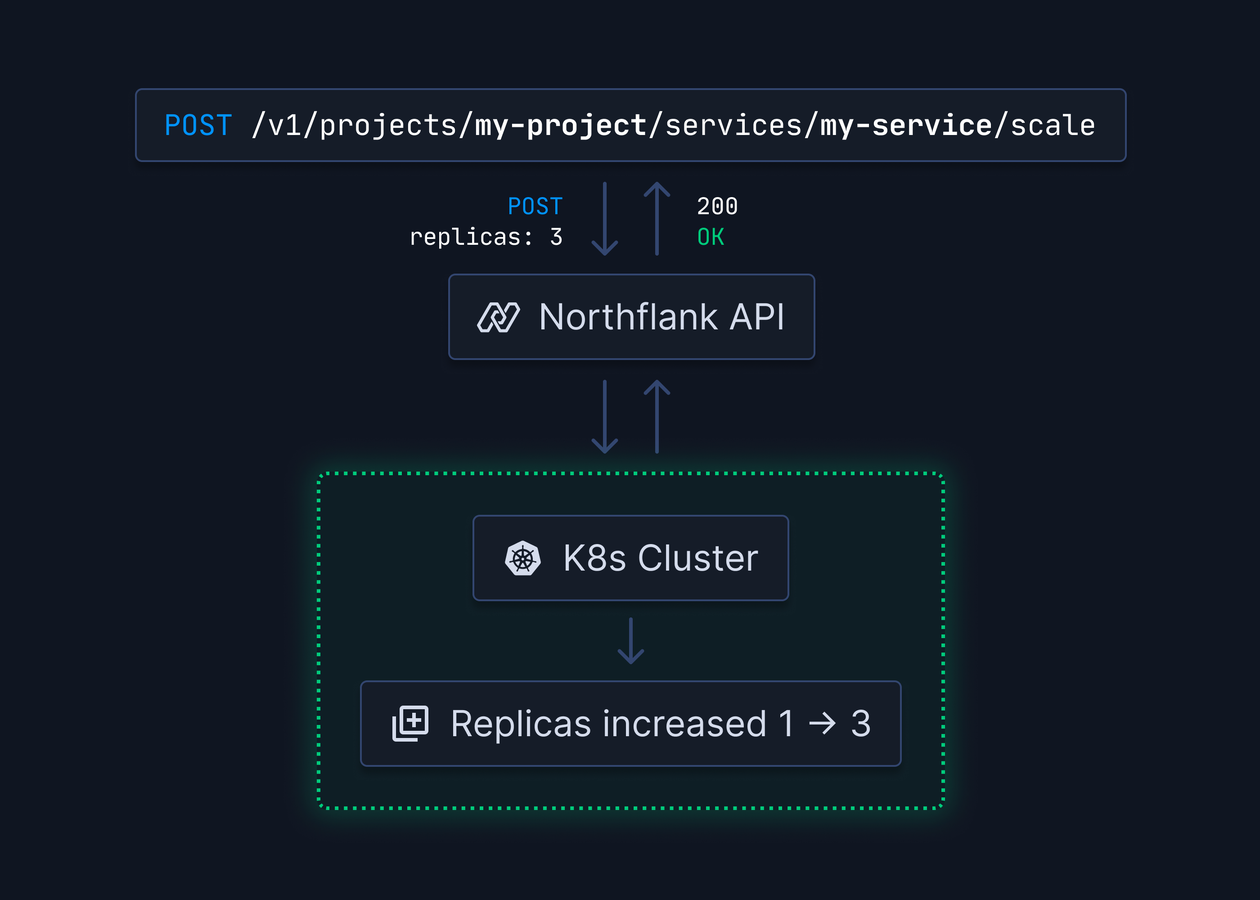
Skip Terraform and Kubernetes manifests. Work with high-level primitives designed for microservices. No kubectl, Helm charts, or cloud-specific APIs—just services, jobs, and databases.
Kubernetes power, simplified
Container orchestration, self-healing, and horizontal scaling without manifests. High-level definitions translated to Kubernetes resources.Application-first primitives
Services, jobs, and databases instead of pods, deployments, and StatefulSets. Define what your app needs, not how to configure infrastructure.No Terraform required
Unified interface for all clouds. Define once, deploy anywhere—AWS, GCP, Azure, or Northflank managed regions.Core application primitives
Services, jobs, and managed databases
Services for long-running containers, jobs for batch processing, and managed databases. Simple, developer-friendly interfaces.
Services
Long-running containers with HTTP endpoints. Configure ports, health checks, resources, and replicas. Automatic load balancing and zero-downtime deployments.Jobs
One-off and scheduled tasks for migrations, batch processing, or cron jobs. Configure execution parameters, timeouts, and retries with full history and logs.Managed databases
PostgreSQL, MongoDB, MySQL, Redis, and more with automatic backups and point-in-time recovery. Zero database administration.Container-based
Bring Dockerfiles, Buildpacks, or pre-built images. Language and framework agnostic—if it containerizes, it runs.Internal networking
Services communicate via internal DNS. No service meshes or ingress controllers. Secure, project-isolated networking by default.External access
Public HTTPS endpoints with automatic TLS. Custom domains, CDN integration, and DNS—or keep services internal.Complete CI/CD
Builds and deployments integrated
Connect Git and auto-build containers. Built-in CI/CD or integrate with existing pipelines.
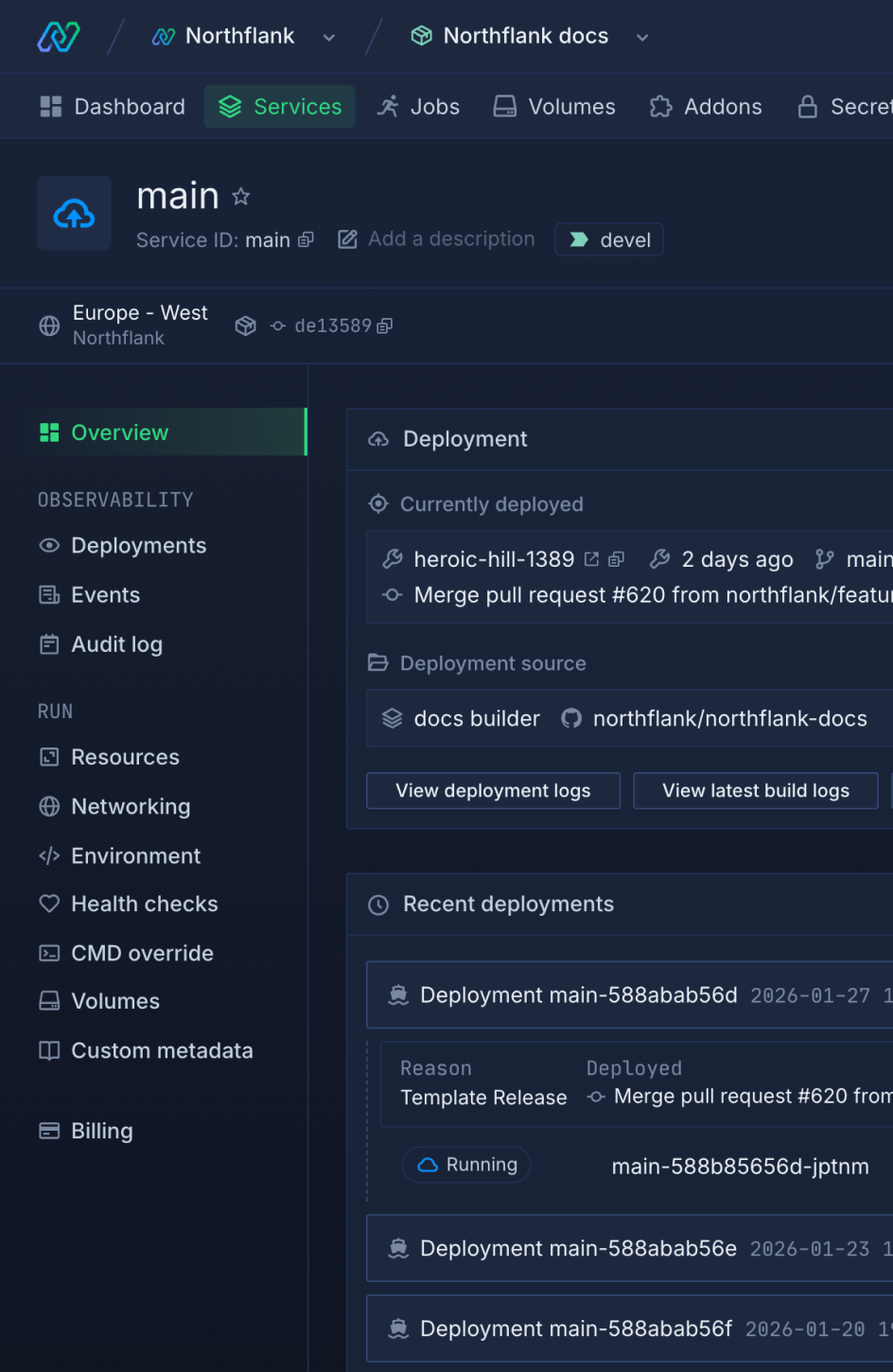
Git integration
Connect GitHub, GitLab, or Bitbucket. Auto-trigger builds on changes. Supports monorepos and branch-specific deployments.Automated builds
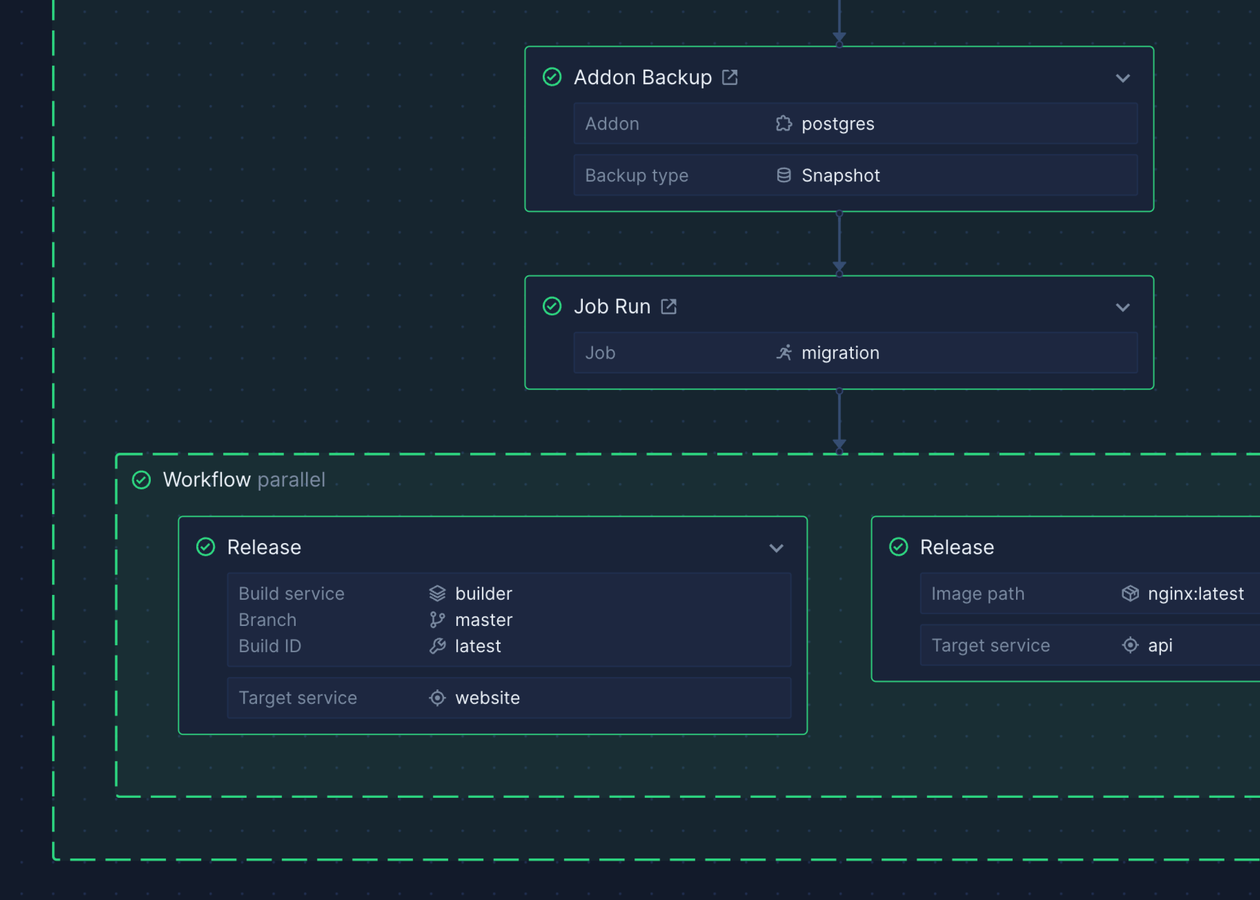
Cloud builds with layer caching and multi-stage support. Buildpacks available for Dockerfile-free builds. Parallel builds for speed.Continuous deployment
Auto-deploy to dev, staging, or production. Configure conditions by branch, tag, or manual approval.Rolling updates
Zero-downtime rolling updates. New containers pass health checks before old ones terminate. Instant rollback on failure.Observability built-in
Logs, metrics, and monitoring
Real-time logs, metrics, and monitoring for all services, jobs, and builds. Zero setup required.
Centralized logs
Real-time log streaming with search and filtering. 60-day retention with API access. Forward to Datadog or other platforms.Resource metrics
CPU, memory, disk, and network metrics with built-in dashboards. Identify bottlenecks and optimize resource allocation.Health monitoring
HTTP, TCP, or command-based health checks. Automatic restarts on failure with status dashboard.Secret management
Secure configuration and secret groups
Encrypted secrets injected at runtime. Group by environment or service. Never store credentials in Git.
Encrypted secrets
AES-256 encrypted secrets injected at runtime. Never in logs or artifacts. Rotate without redeploying.Secret groups
Shared secret groups across services. Centrally manage database credentials, API keys, and tokens with automatic inheritance.File secrets
Mount secrets as files for SSL certificates, configs, or credentials. Update without rebuilding images.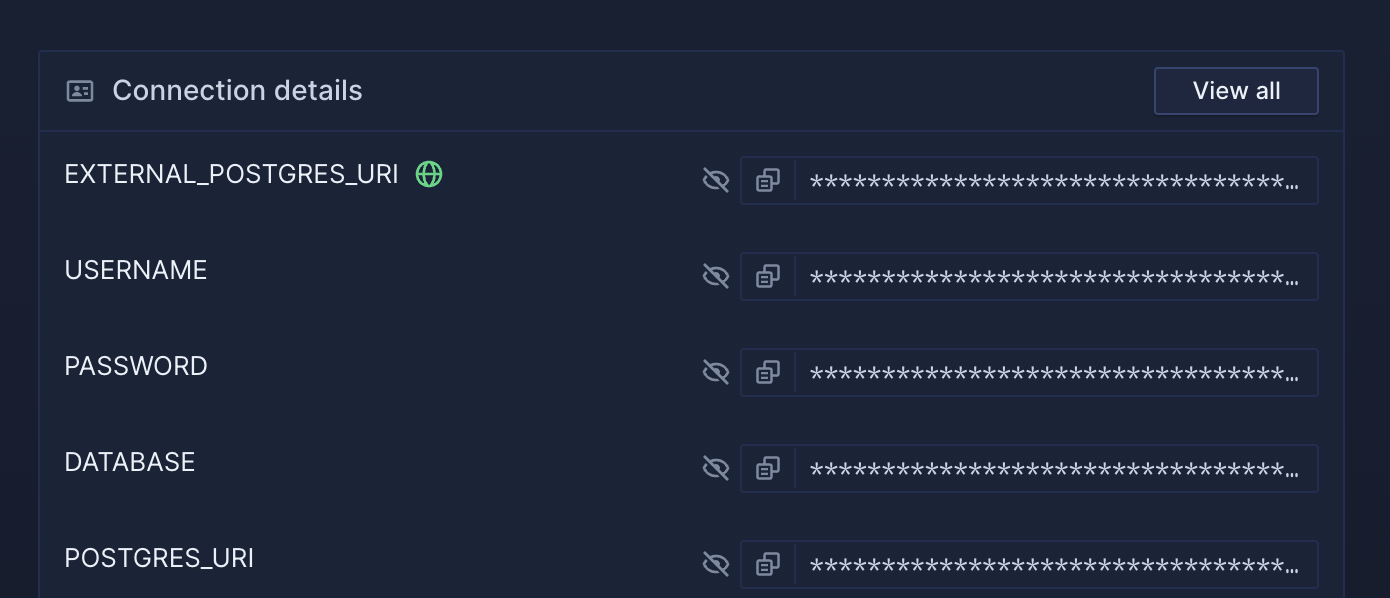
Infrastructure as code
Templates for repeatable infrastructure
Define stacks in JSON. Compose services, databases, jobs, and secrets into reusable templates.
JSON templates
Declarative JSON for services, databases, jobs, secrets, networking, and builds. More readable than Terraform or Kubernetes YAML.Template composition
Reference and nest templates for complex apps. Compose microservices into complete stacks with per-environment overrides.Bi-directional sync with Git
Store templates in Git with bi-directional sync. Git changes sync to Northflank, UI changes commit to Git.Real-time collaboration
UI and IaC work together
Real-time UI or IaC—your choice. Changes sync bi-directionally.
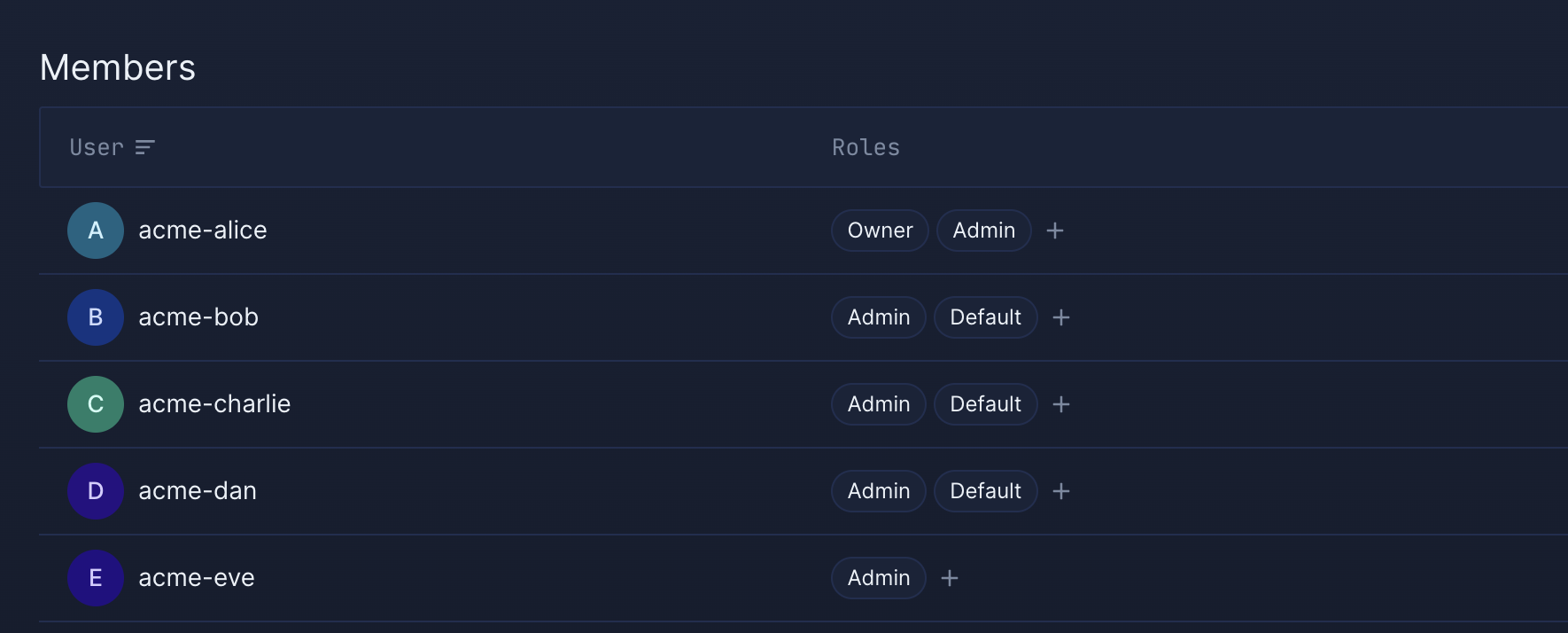
Real-time UI
WebSocket-powered real-time updates. See teammate changes instantly with no refreshes or stale data.Live diff views
Live diffs for concurrent edits. Prevents accidental overwrites with visual conflict resolution.Team collaboration
Fine-grained permissions for deployments, secrets, and billing. Real-time notifications on deployment status.Git integration
GitHub, GitLab, and Bitbucket integration. Auto-deploy from pushes, link PRs to preview environments, and post deployment status.Application scaling
Horizontal autoscaling and resource management
Auto-scale based on CPU, memory, or HTTP metrics. Automatic resource provisioning and load balancing.
Horizontal autoscaling
Auto-scale replicas based on resource usage or traffic. Set min/max counts. Scale up on spikes, down when idle.Resource allocation
Configure CPU and memory per service with predefined or custom allocations. GPU support for AI/ML workloads.Persistent storage
Persistent volumes from 1GB to 16TB with multi-read-write support. Automatic backups for stateful data.Developer tools
CLI, API, and local development
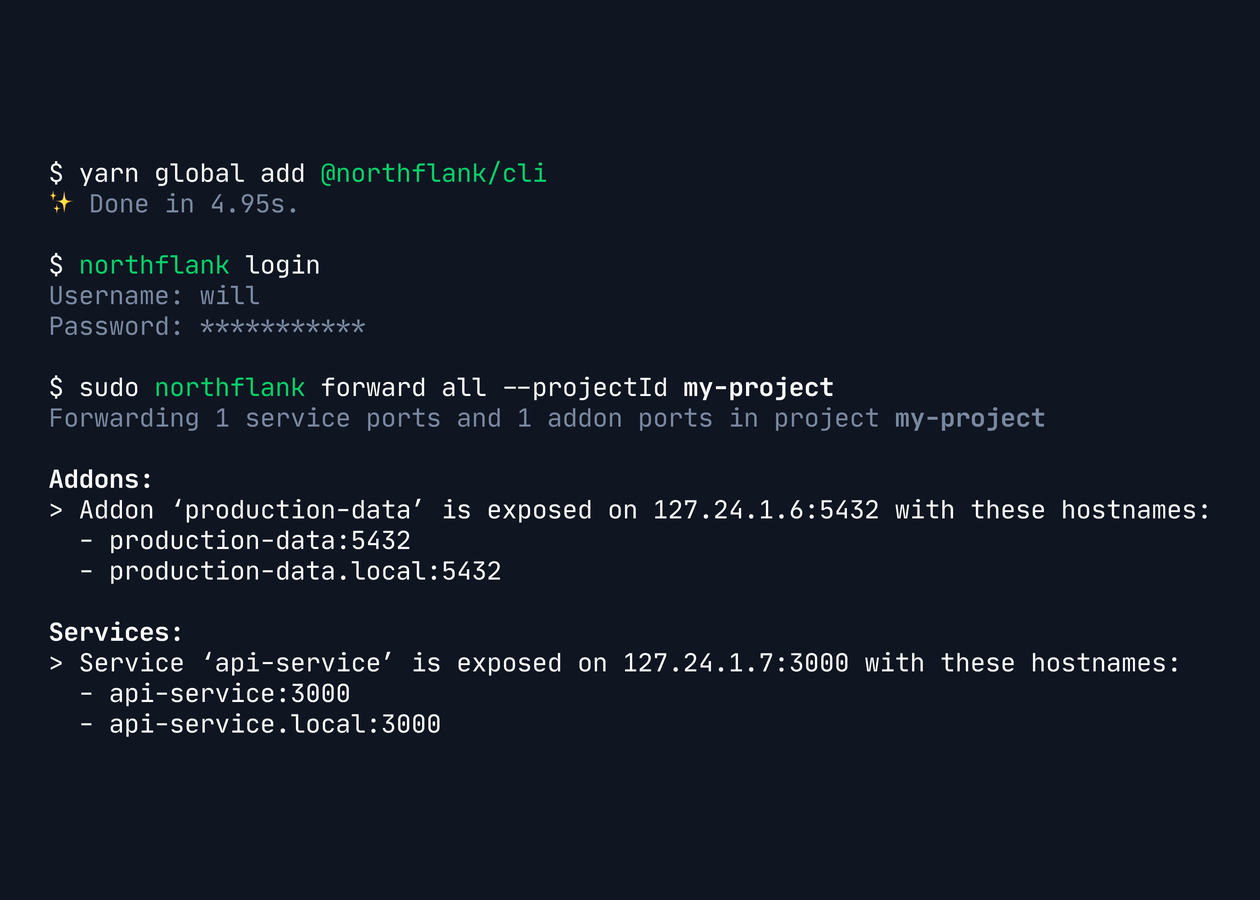
CLI, REST API, and TypeScript SDK. Stream logs, proxy services, exec into containers, and manage resources programmatically.
Command-line interface
Stream logs, proxy into services, exec into containers, and manage resources from your terminal.REST API
Complete API coverage with OpenAPI docs. Build automation, integrate tools, and create dashboards.Local proxy
CLI proxy for local access to private services and databases. Secure tunneling without public exposure.Environment management
Development, staging, and production
Organize into projects and environments. Promote from dev to staging to production with environment-specific config.
Project organization
Group services, databases, and jobs into projects. Projects map to Kubernetes namespaces with isolated networking.Environment parity
Templates maintain identical infrastructure across environments. Override config per environment while keeping definitions consistent.Environment lifecycle
Auto-provision preview environments for PRs. Promote from dev to staging to production. Tear down when unneeded.Features
Developer experience
Developer experience
- Choice of UI, CLI, APIs & GitOps
- Runs on AWS, GCP, Azure, Oracle
- Build re-useable templates
Polyglot platform
Polyglot platform
- Run any language or framework
- All envs, from preview to production
- Works with GitHub, GitLab and Bitbucket
Run your AI
Run your AI
- Scale GPUs across clouds
- Run untrusted code at scale
- Serve your inference & models
- Support fractional GPU workloads
We fixed Kubernetes
We fixed Kubernetes
- Kubernetes-ready app platform
- Run anywhere, on any Kubernetes cluster, on any cloud
- EKS, GKE, AKS, Rancher, OpenShift, Tanzu ready
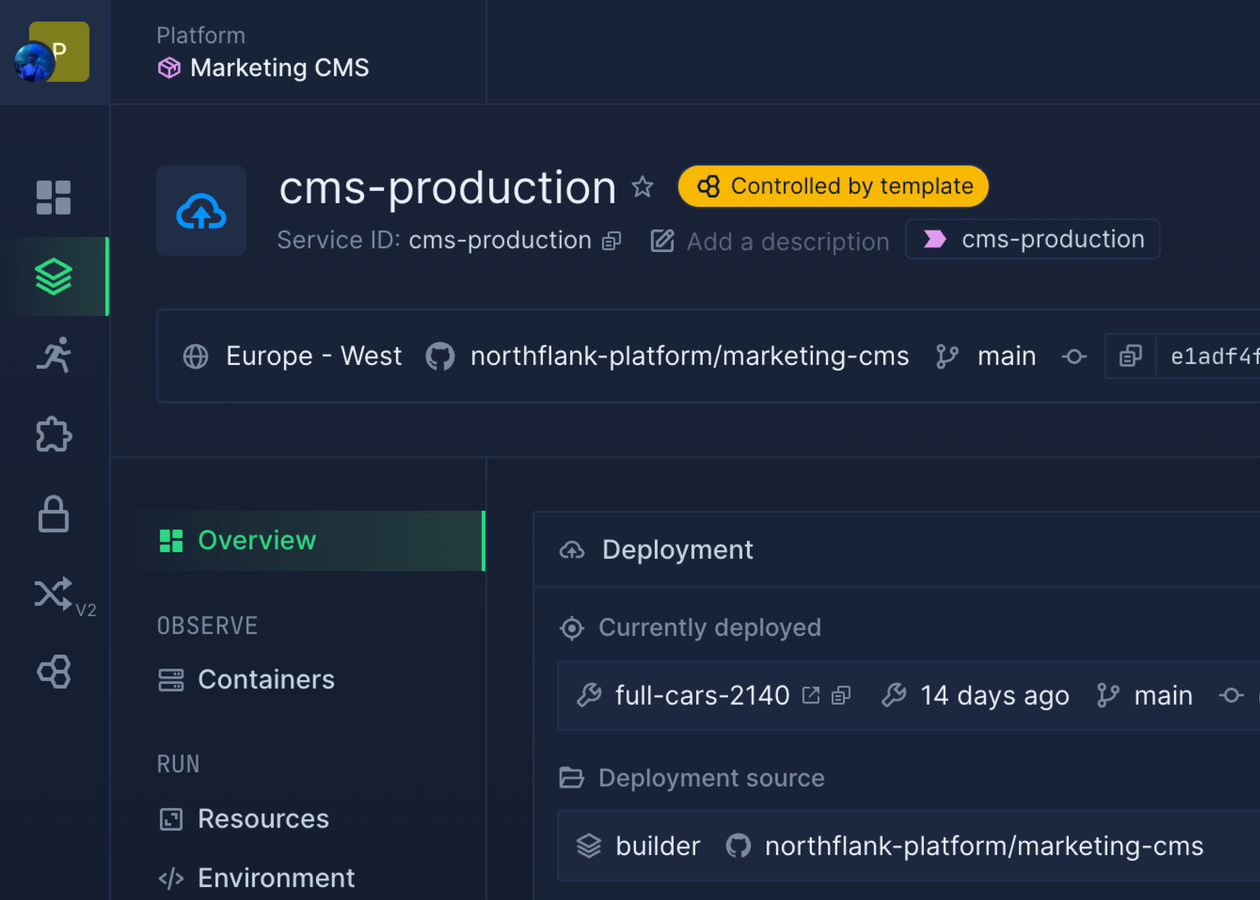

If name-dropping helps, here you go.