
Best options for BYOC (Bring Your Own Cloud) in cloud computing in 2026
Most platforms that call themselves BYOC are not. Real BYOC means the workload data plane runs in your cloud account, user traffic enters your VPC directly, and the vendor manages the control plane without sitting in the request path. Here are the best genuine BYOC platforms in 2026.
- Northflank – Full-stack PaaS with one of the broadest BYOC cloud coverage: AWS, GCP, Azure, Oracle, CoreWeave, Civo, on-premises, and bare-metal. Self-serve with no enterprise sales required. CI/CD, managed databases, preview environments, GPU workloads, and microVM sandbox isolation all run inside your own infrastructure. BYOC is available on all plans, including free.
- Aiven – Managed databases (PostgreSQL, Kafka, ClickHouse, and more) deployed inside your own VPC. Best for teams whose BYOC requirement is specifically for data services.
- Qovery – Self-service developer portal on Terraform and Kubernetes, deployed into your cloud account. Best for platform engineering teams.
- Porter – Heroku-like deployment experience inside your own AWS, GCP, or Azure account.
- EKS Anywhere / AKS Arc / GKE Enterprise – Managed Kubernetes on your own infrastructure from the hyperscalers.
Northflank BYOC is self-serve into AWS, GCP, Azure, Oracle, CoreWeave, Civo, on-premises, and bare-metal. Connect your cloud account and Northflank deploys the platform into your own infrastructure in minutes. CI/CD, preview environments, managed databases, GPU workloads, and microVM sandbox isolation all run inside your own VPC. No enterprise sales process required. Get started (self-serve) or book a demo.
Most platforms that call themselves BYOC are not. Single-tenant SaaS in the vendor's data center, private connectivity options, and dedicated instances in shared infrastructure all get called BYOC. Real BYOC means the workload data plane runs in your cloud account, not the vendor's. User traffic enters your VPC directly. The vendor manages the control plane. You own everything else.
This article covers the best genuine BYOC platforms in 2026, what each one deploys into your infrastructure, and which one fits your use case.
Before evaluating platforms, it is worth applying the real BYOC test. In genuine BYOC:
- Your workloads, databases, and secrets run in your cloud account, not the vendor's.
- User traffic enters your VPC directly. The vendor's control plane is not in the request path.
- The vendor cannot see the payload of a request to your application.
- Infrastructure costs are billed directly to your cloud account at standard rates.
When you see a BYOC pitch in which the vendor's load balancer terminates traffic before forwarding it to your VPC, that is not BYOC. That is a SaaS product with a private connection. Useful sometimes, but not the same thing.
Northflank is one of the few platforms that deploys a full PaaS data plane into your cloud account: Kubernetes orchestration, CI/CD pipelines, managed databases, preview environments per pull request, GPU workloads, and microVM sandbox isolation using Kata Containers, Firecracker, and gVisor. Everything runs inside your own VPC. User traffic enters your infrastructure directly. Northflank's control plane manages what runs there, but does not sit in the request path and does not store your data.
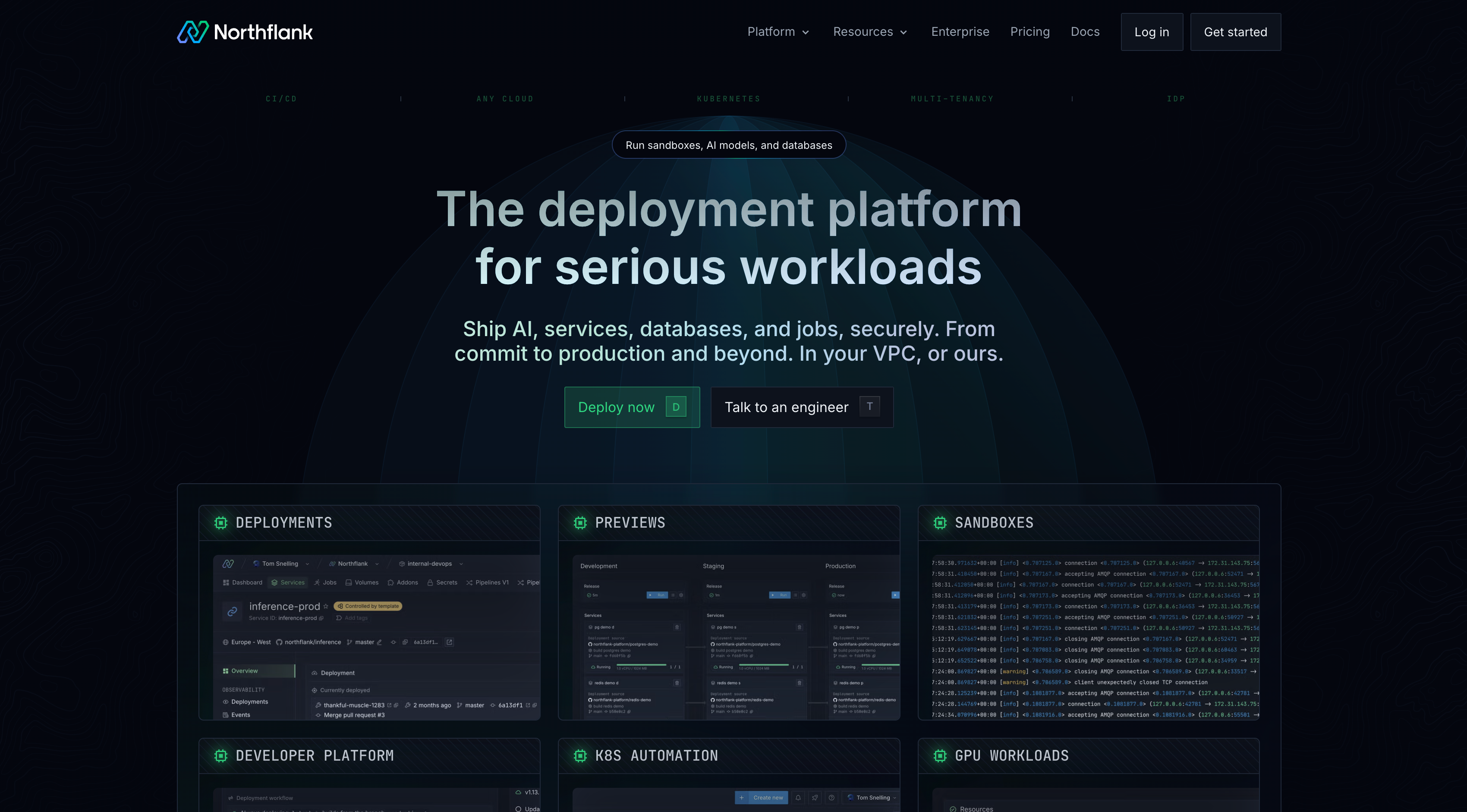
BYOC is self-serve. Connect your cloud account, and the platform deploys in minutes. No enterprise sales process. No professional services engagement. Infrastructure costs bill directly to your cloud account at list price with no markup, which means BYOC on Northflank can reduce total cloud spend for teams with committed use agreements.
Cloud coverage is one of the broadest in the category: AWS, GCP, Azure, Oracle, CoreWeave, Civo, on-premises, and bare-metal. BYOC is available on all plans, including the free tier. Teams can also bring an existing Kubernetes cluster (BYOK) rather than having Northflank provision one.
Best for: Teams that need full-stack BYOC with CI/CD, managed databases, preview environments, GPU workloads, and sandbox isolation. One of the few platforms that covers the complete deployment lifecycle inside your own infrastructure with a self-serve setup.
Get started (self-serve) or book a demo.
Aiven BYOC deploys managed database services into your cloud account. PostgreSQL, Kafka, ClickHouse, OpenSearch, and Redis operated by Aiven inside your own AWS, GCP, or Azure VPC. Aiven handles provisioning, upgrades, backups, and incident response. It does not cover application deployment, CI/CD, or compute orchestration.
Best for: Teams whose primary BYOC requirement is managed databases and data services in their own VPC, particularly Kafka, ClickHouse, or multi-database environments.
Qovery uses Terraform to provision Kubernetes clusters in your cloud account and provides a self-service developer portal on top. Platform engineering teams use it to give developers a self-service deployment experience on existing AWS, GCP, or Azure infrastructure without building an internal portal from scratch.
Best for: Platform engineering teams that want a self-service developer portal on top of existing AWS, GCP, or Azure infrastructure and need fine-grained control over cluster configuration.
Porter deploys a Kubernetes-based PaaS into your AWS, GCP, or Azure account. Developers connect a repository, and Porter handles Kubernetes setup, networking, TLS, autoscaling, and CI/CD. Managed databases, GPU workloads, and microVM sandbox isolation are not part of the Porter stack.
Best for: Teams that want a Heroku-like deployment experience on their own AWS, GCP, or Azure account without managing Kubernetes directly.
The hyperscalers each offer a managed Kubernetes control plane that runs on your own infrastructure. AWS EKS Anywhere runs on bare-metal or VMware. Azure AKS Arc extends AKS to on-premises and edge locations. Google GKE Enterprise (formerly Anthos) supports on-premises and multi-cloud deployments.
These are the conservative BYOC options for enterprises with existing hyperscaler relationships. You get managed Kubernetes on your own infrastructure without a third-party vendor in the control plane. The tradeoff is that you take on the operational complexity of Kubernetes without the PaaS experience that Northflank provides on top of it.
Best for: Enterprises with existing hyperscaler relationships that need managed Kubernetes on-premises or at the edge and have the platform engineering team to operate it.
The right choice depends on which layer needs to run in your own infrastructure. For the full deployment lifecycle, including CI/CD, managed databases, preview environments, and GPU workloads, Northflank is one of the few platforms that combines all of these capabilities with a self-serve setup. For managed databases specifically, Aiven is the specialist. For a developer portal on existing Kubernetes, Qovery. For simple application deployment, Porter. For BYOC preview environments only.
| Platform | Full stack | Managed databases | Preview environments | GPU support | Cloud coverage | Self-serve |
|---|---|---|---|---|---|---|
| Northflank | Yes | Yes (6+ types) | Yes | Yes (H100, A100, and more) | AWS, GCP, Azure, Oracle, CoreWeave, Civo, on-prem, bare-metal | Yes |
| Aiven | No (databases only) | Yes (specialist) | No | No | AWS, GCP, Azure | Enterprise only |
| Qovery | Partial | Via addons | Yes | No | AWS, GCP, Azure | Yes |
| Porter | Partial | No | Yes | No | AWS, GCP, Azure | Yes |
| EKS Anywhere / AKS Arc / GKE | No (K8s only) | No | No | Yes | Single hyperscaler | No |
A BYOC platform means the vendor deploys their platform into your infrastructure and continues to manage it. Upgrades, patches, and operational responsibilities stay with the vendor. A self-hosted platform means you deploy and operate everything yourself with no vendor management layer. BYOC gives you data residency without taking on the full operational burden.
Northflank supports AWS, GCP, Azure, Oracle, CoreWeave, Civo, on-premises, and bare-metal. It also supports bringing an existing Kubernetes cluster (BYOK). No other platform on this list covers as many deployment targets.
On Northflank, BYOC is available on all plans including the free tier. Most other platforms on this list gate BYOC behind enterprise plans or require a sales conversation. Check the platform's pricing page before assuming BYOC requires an enterprise commitment.
Yes. With genuine BYOC, your compute bills directly to your cloud account at standard rates. On Northflank BYOC, there is no markup on underlying infrastructure costs. If you have committed use agreements with AWS, GCP, or Azure, BYOC workloads consume that committed spend.
On Northflank, yes. GPU workloads, including H100, H200, A100, L4, L40S, and B200, run inside your own cloud account via BYOC. This is particularly relevant for teams with reserved GPU capacity on multi-year commitments that need a platform control plane targeting their existing hardware. Most other BYOC platforms do not cover GPU workloads.
Genuine BYOC means the workload data plane runs in your cloud account, user traffic enters your VPC directly, and the vendor manages the control plane without sitting in the request path. Most platforms that use the term do not meet that definition.
For teams looking for a full-stack BYOC platform, Northflank combines CI/CD, managed databases, preview environments, GPU workloads, and sandbox isolation in a single self-serve offering with broad cloud coverage.
Get started with Northflank BYOC (self-serve) or book a demo to walk through your requirements.
- What is BYOC in cloud computing?: How the BYOC deployment model works, who needs it, who does not, and the test for genuine BYOC.
- Best BYOC sandbox platforms in 2026: Platforms that support running AI agent execution inside your own VPC with microVM isolation.
- Best enterprise-safe platforms for running and hosting AI apps in 2026: Platforms covering SOC 2, HIPAA, BYOC, and sandbox isolation for enterprise AI app deployment.