
Best platforms for untrusted code execution in 2026
Untrusted code execution platforms give AI-generated code, user-submitted scripts, and agent tasks isolated environments to run in. Compare isolation alongside network access, resource limits, session duration, and the state each task leaves behind.
- Northflank: Best for AI agent sandbox execution at scale. A fit for teams that want isolated environments for AI-generated code, with fast startup, thousands of concurrent sessions, custom images, and CPU or GPU execution. Supports long-running sandboxes and deployment in your own infrastructure.
- E2B: Best for SDK-driven agent execution. A fit for teams building coding agents and code interpreters around Firecracker sandboxes, with Python and TypeScript SDKs and session limits that vary by plan.
- Modal: Best for GPU-intensive code execution. A fit for teams that want programmatic sandbox environments, configurable networking, and managed GPU capacity.
- Fly.io Sprites: Best for persistent coding environments. A fit for teams whose agents need durable files between tasks, Firecracker isolation, and compute that stops billing while idle.
Explore Northflank Sandboxes for isolated AI agent code execution on managed infrastructure or in your own environment.
Code submitted by a user or generated by an AI agent can access files, make network requests, consume resources, or attempt to exploit the runtime. Even reviewed code can contain vulnerable dependencies. Treat code according to the permissions and trust it warrants, rather than assuming its source makes it safe.
Standard containers share the host kernel. A vulnerable kernel or unsafe configuration can expose the host and other workloads. MicroVMs add a virtual-machine boundary and a separate guest kernel; gVisor implements a user-space kernel that reduces direct exposure to the host's system-call interface. Neither approach replaces network restrictions, resource limits, or careful handling of credentials.
These are the dimensions that matter most when running code you do not control.
- Isolation model: Evaluate the runtime boundary and configuration against your threat model. MicroVMs and gVisor add isolation beyond ordinary containers, using different architectures and compatibility tradeoffs.
- Multi-tenant design: Give unrelated users or tasks separate environments. Check filesystem, network, and credential boundaries as well as the runtime itself.
- Network controls: Start with outbound access blocked where practical, then allow the destinations a task needs. Check support for IP, domain, and private-network restrictions.
- Resource limits: Constrain CPU, memory, disk, execution time, and concurrent tasks. A timeout or application budget is still needed when the platform permits long-running sessions.
- Lifecycle controls: Delete disposable environments after execution. For persistent agents, decide which files survive and avoid reusing contaminated state across users.
- Observability: Collect task logs, resource metrics, and lifecycle events. Verify which network and audit events are actually available rather than assuming execution logs show every action.
Northflank provides secure, isolated sandbox environments for AI agents and untrusted code execution. Run coding agents, scripts, generated APIs, repository builds, and GPU tasks in custom environments, with support for thousands of concurrent sessions and no fixed session time limit.
Northflank Cloud provides sub-second sandbox boot times, with microVM isolation for CPU sandboxes and gVisor for GPU sandboxes. You can create environments programmatically, execute tasks, retain files on attached volumes, and remove sandboxes when the work is complete.
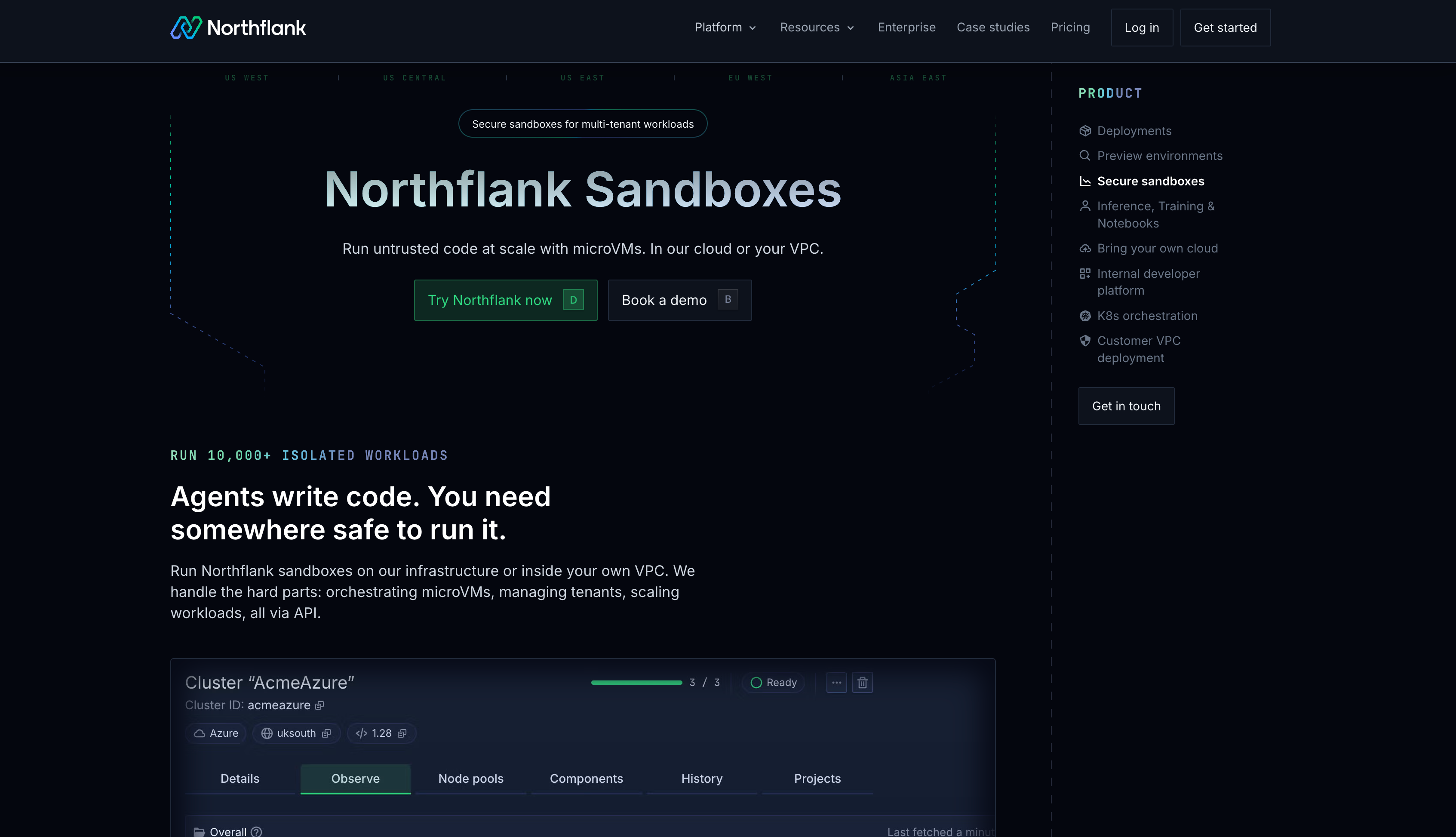
With bring your own cloud (BYOC), Northflank acts as the control plane to run coding agents and their sandboxes in your virtual private cloud (VPC). Select a supported isolation runtime for your customer-cloud cluster and use compatible infrastructure. Workload execution stays in your environment; standard deployments use Northflank-hosted orchestration metadata.
cto.new migrated their entire sandbox infrastructure to Northflank in two days after EC2 metal instances made scaling costs unpredictable, going from unworkable provisioning to thousands of daily deployments with linear, per-second billing.
Key features:
- Sandbox isolation: CPU sandboxes on Northflank Cloud use microVMs, while GPU sandboxes use gVisor. Customer-cloud deployments support configurable runtimes, including Kata Containers and gVisor, according to the infrastructure and configuration.
- Custom environments: Deploy container images from public or private registries with the tools and dependencies your agents need.
- Concurrent execution: Run isolated environments for individual users, agents, or jobs and scale capacity around their resource requirements.
- No fixed session limit: Use short-lived execution environments or keep agents running across longer tasks. Attached volumes preserve files across restarts and pauses.
- Network and resource controls: Configure CPU and memory allocations. On bring your own cloud (BYOC) clusters, network policies support ingress and egress restrictions, including deny-all rules and allowed destinations.
- CPU and GPU workloads: Run code execution, generated applications, and GPU tasks within sandbox environments.
- Managed or bring your own cloud (BYOC): Use Northflank Cloud or supported AWS, GCP, Azure, Oracle, CoreWeave, Civo, on-premises, and bare-metal infrastructure.
- Security: Northflank is SOC 2 Type II compliant and supports HIPAA-compliant workloads with BAAs under an Enterprise contract.
Best for: Teams running multi-tenant AI agent sandboxes, varied untrusted workloads, and long-running code execution on managed or customer-owned infrastructure.
Pricing: $0.01667/vCPU-hour and $0.00833/GB-hour, with H100 GPU plans at $2.74/hour all-inclusive (CPU and RAM included). The free developer Sandbox tier offers always-on compute with no sleeping, two free services, one database, and two cron jobs for development and testing. Pay-as-you-go supports CPU and GPU workloads with per-second billing. Enterprise plans provide custom pricing, 24/7 support, service-level agreements (SLAs), and enterprise access controls. See the full pricing details for additional GPU options and plans.
Get started on Northflank (self-serve, no demo required). Or book a demo with an engineer to walk through your isolation requirements.
E2B provides Firecracker sandboxes for executing AI-generated code through Python and TypeScript SDKs. Each sandbox has a separate guest kernel. Outbound network controls let teams restrict the destinations code can reach.
Hobby sessions can run for up to one hour and Pro sessions for up to 24 hours. Pause and resume support lets agents retain state between execution periods. Bring your own cloud (BYOC) is available on Enterprise for AWS, GCP, and Azure, with E2B operating the cluster. Its enterprise overview explains deployment and network controls.
Best for: Coding agents and code interpreters that need SDK-driven execution in Firecracker environments.
Pricing: Hobby includes a $100 one-time usage credit and 20 concurrent sandboxes. Pro starts at $150/month plus usage, with 100 concurrent sandboxes and sessions up to 24 hours. Higher concurrency costs extra; Enterprise terms are custom.
Modal provides programmatic sandbox execution with gVisor isolation and a CPU-only virtual-machine runtime in beta. gVisor reduces direct access to the host kernel through its user-space kernel. Its suitability depends on the workload, exposed interfaces, and surrounding controls, rather than a universal ranking against microVMs.
Modal supports custom container images, GPU execution, and network controls that can block outbound traffic or restrict destinations by IP range or domain. Sandboxes default to a five-minute timeout, configurable up to 24 hours. Bring your own cloud (BYOC) is not available. See its sandbox networking documentation for the available restrictions.
Best for: Teams running untrusted code alongside GPU-intensive AI workloads on managed infrastructure.
Pricing: Starter has no subscription fee and includes $30/month in compute credits and up to 100 concurrent containers. Team costs $250/month plus compute, includes $100 in compute credits, and supports up to 5,000 concurrent containers. Sandbox CPU costs $0.1419/physical-core-hour and memory costs $0.0240/GiB-hour.
Sprites provides persistent Firecracker environments with a 100GB filesystem backed by durable object storage and local caching. This suits coding agents that need to keep repositories, dependencies, and generated files between tasks.
A warm pause freezes memory and processes; a later cold transition discards them while retaining the filesystem. Checkpoints preserve filesystem state. Persistent files should remain scoped to the appropriate user or workflow so one task cannot expose another's data. Sprites does not offer bring your own cloud (BYOC).
Best for: Untrusted code workloads that need Firecracker isolation and persistent files between agent tasks.
Pricing: $0.03825/CPU-hour and $0.021875/GB-hour. Idle compute is free; retained cold storage is billed.
Choose around the code you execute, the permissions it needs, and how long its environment must survive. A separate guest kernel is useful when your threat model calls for VM isolation, but network policies, credentials, resource limits, and runtime maintenance remain essential.
Northflank fits varied AI agent sandbox workloads at scale, including private deployment and long-running execution. E2B offers Firecracker environments through agent-oriented SDKs. Modal combines sandbox execution with managed GPU capacity, while Sprites emphasises persistent coding environments.
| Platform | Isolation | Runtime configuration | Bring your own cloud (BYOC) | Session limit |
|---|---|---|---|---|
| Northflank | MicroVMs or gVisor | Managed CPU: microVM; GPU: gVisor; customer-cloud runtime configured on cluster | Yes, self-serve | No fixed session time limit |
| E2B | Firecracker | MicroVM sandboxes | AWS, GCP, Azure; Enterprise | Hobby: 1 hour; Pro: 24 hours; Enterprise custom |
| Modal | gVisor; CPU-only VM runtime in beta | Runtime and workload dependent | No | 5 minutes by default; configurable up to 24 hours |
| Fly.io Sprites | Firecracker | Persistent environments with warm and cold idle states | No | No fixed session cutoff; idle transitions affect process state |
Rates checked October 2, 2026. The table shows managed-cloud resource rates. Plan subscriptions and Enterprise agreements may add commitments: E2B Pro starts at $150/month plus usage, and Modal Team costs $250/month with $100 in included compute credits.
| Platform | CPU | Memory | Storage | GPU | Billing model |
|---|---|---|---|---|---|
| Northflank | $0.01667/vCPU-hr | $0.00833/GB-hr | $0.15/GB-month | L4: $0.80/hr, A100 40GB: $1.42/hr, A100 80GB: $1.76/hr, H100: $2.74/hr | Per second |
| E2B | $0.0504/vCPU-hr | $0.0162/GiB-hr | 10 GiB on Hobby; 20 GiB on Pro included | No GPU compute | Per second |
| Fly.io Sprites | $0.03825/CPU-hr | $0.021875/GB-hr | Hot: $0.000683/GB-hr; cold: $0.000027/GB-hr | No GPU compute | Actual usage; no idle compute charge |
| Modal Sandboxes | $0.1419/physical-core-hr (2 vCPU) | $0.0240/GiB-hr | Volumes: $0.09/GiB-month; 1 TiB/month included | L4: $0.80/hr, A100 40GB: $2.10/hr, A100 80GB: $2.50/hr, H100: $3.95/hr, H200: $4.54/hr | Per second |
Modal charges per physical core, equivalent to two vCPUs. Its hourly CPU and memory figures are rounded conversions of per-second rates.
The table below compares supported infrastructure, access, and billing for bring your own cloud (BYOC) deployments.
| Platform | Bring your own cloud (BYOC) available | Clouds supported | Access model | Pricing model |
|---|---|---|---|---|
| Northflank | Yes, self-serve | AWS, GCP, Azure, Oracle, CoreWeave, Civo, supported on-premises and bare-metal infrastructure | Self-serve; Enterprise for additional requirements | Cloud infrastructure bill plus Northflank fees; Enterprise terms vary |
| E2B | Yes, Enterprise | AWS, GCP, Azure | Contact sales | Custom Enterprise pricing plus cloud infrastructure costs |
| Modal | No | Managed only | — | — |
| Fly.io Sprites | No | Managed only | — | — |
Code is untrusted when it has not been granted the permissions and trust of your application. Examples include user-submitted scripts, AI-generated code, and third-party plugins. Tool calls that execute code need the same scrutiny. Limit what that code can access, regardless of whether harmful behaviour is deliberate or accidental.
Ordinary containers share the host kernel. A kernel vulnerability or unsafe configuration can allow code to cross the container boundary. MicroVMs add a separate guest kernel, while gVisor reduces direct host-kernel exposure through a user-space kernel. Both add isolation, but neither guarantees that escape is impossible.
Firecracker is a virtual-machine monitor that runs guest operating systems in microVMs. gVisor implements a user-space kernel for sandboxed applications. Both reduce host exposure through different architectures, with different compatibility and performance tradeoffs. Evaluate the complete deployment rather than assuming the runtime name alone establishes security.
You can reduce risk by separating tenants' execution environments, files, credentials, and network access. Combine a suitable isolation runtime with resource limits, timeouts, patching, and cleanup. Persistent state should be scoped to the user or workflow that owns it.
Block unnecessary outbound access and allow only required destinations. Restrict inbound access, private services, and cloud metadata endpoints as appropriate. Northflank offers network policies on bring your own cloud (BYOC) clusters; E2B and Modal also provide outbound restrictions. Check each deployment's defaults before running code.
Set CPU, memory, disk, execution-time, and concurrency limits. Terminate tasks that exceed your application budget and clean up abandoned environments. Monitor usage and configure spending alerts. Autoscaling adds capacity; it does not replace limits on what a task can consume.
A platform for untrusted code execution should combine isolation with restricted access, bounded resources, and a lifecycle that matches your tasks. Decide what an agent can read, reach, and retain as carefully as you choose its runtime.
Northflank is a strong fit for AI agent sandbox execution at scale, with custom environments, CPU and GPU support, long-running sessions, and customer-cloud deployment. E2B suits SDK-driven Firecracker execution, Modal suits managed GPU workloads, and Sprites suits agents that need persistent files between tasks.
You can get started for free on Northflank or talk to the team to walk through your untrusted code execution requirements.
If you want to go deeper on the topics covered in this guide, these articles are a good next step.
- How to sandbox AI agents: microVMs, gVisor, and isolation strategies: Technical deep-dive into isolation technologies and how to choose between Firecracker, Kata Containers, and gVisor based on your threat model.
- Self-hosted AI sandboxes: guide to secure code execution: Covers deployment models for teams that need execution inside their own infrastructure.
- Remote code execution sandbox: secure isolation at scale: Architecture guide covering isolation models, security controls, and what production-grade untrusted code execution actually requires.