
How to run untrusted code on Kubernetes safely
Running untrusted code on Kubernetes is not safe by default. Standard containers share the host kernel, which means a kernel vulnerability in one container can affect the host and every other workload on the same node. For AI-generated code, user-submitted scripts, or any workload where you do not control what executes at runtime, the default Kubernetes container model introduces risk that you need to address explicitly.
This article covers why standard containers are insufficient for untrusted code, what isolation mechanisms Kubernetes provides, how to configure them, and how Northflank removes the operational overhead of running this stack in production.
- Standard Kubernetes containers share the host kernel via Linux namespaces and cgroups. This is not sufficient for untrusted code execution.
- Kubernetes supports stronger isolation via RuntimeClass: gVisor intercepts syscalls in user space, Kata Containers runs each pod in its own microVM with a dedicated kernel.
- For genuinely untrusted code, Kata Containers with Firecracker or Cloud Hypervisor is the right default. gVisor is appropriate for moderate-trust workloads with lower overhead requirements.
- Configuring and operating microVM isolation on Kubernetes requires significant engineering work. Northflank provides it out of the box, with self-serve BYOC into your existing cluster.
What is Northflank? Northflank runs untrusted code safely on Kubernetes at production scale. Kata Containers, Firecracker, and gVisor isolation applied per workload, managed orchestration, BYOC into your own cluster, and a full-stack control plane including databases and GPU workloads. No months of infrastructure setup required. Sign up to get started or book a demo.
Standard Kubernetes containers use Linux namespaces to isolate processes and cgroups to limit resource consumption. These provide workload separation for trusted applications but do not create a hard security boundary between workloads and the host kernel.
When a container runs, its processes issue system calls directly to the host kernel. Every container on the same node shares that kernel. A kernel vulnerability exploited inside a container can allow an attacker to escape the container and access the host, the underlying node, and potentially every other workload running on it. For code you wrote and trust, this risk is manageable with defence-in-depth controls. For code generated by an LLM, submitted by a user, or coming from any external source, this shared kernel model is not an acceptable security boundary.
The additional controls that standard containers provide, seccomp profiles, AppArmor, capability dropping, and read-only root filesystems, reduce the attack surface but do not eliminate the fundamental risk of kernel sharing. They are hardening measures, not isolation boundaries.
Kubernetes supports multiple container runtimes via the Container Runtime Interface (CRI). A RuntimeClass resource lets you specify which runtime a pod uses. By changing the runtimeClassName on a pod, you can run it with a different isolation model without changing anything else about your application.
| Runtime | Isolation model | Startup overhead | Best for |
|---|---|---|---|
| runc (default) | Shared host kernel (namespaces, cgroups) | Milliseconds | Trusted internal workloads |
| gVisor (runsc) | Syscall interception (user-space kernel) | Low | Moderate-trust workloads, lower overhead |
| Kata Containers | Hardware-level (dedicated guest kernel via KVM) | ~200ms | Untrusted code, multi-tenant platforms |
| Kata + Firecracker | Hardware-level (KVM, minimal device model) | ~125ms | Production AI sandboxes, high-density untrusted execution |
gVisor intercepts system calls in user space using a component called Sentry. Instead of syscalls reaching the host kernel directly, they are intercepted and reimplemented by gVisor's user-space kernel. This significantly reduces the host kernel attack surface without running a full VM per workload.
gVisor is appropriate for workloads where you want stronger isolation than standard containers but cannot accept the startup overhead of a full microVM. It is not as strong as Kata Containers for genuinely adversarial code: gVisor still shares some host resources and its Sentry process runs on the host. For multi-tenant AI agent workloads where agents execute arbitrary LLM-generated code, Kata Containers provides a stronger boundary.
To use gVisor on Kubernetes:
apiVersion: node.k8s.io/v1
kind: RuntimeClass
metadata:
  name: gvisor
handler: runsc
---
apiVersion: v1
kind: Pod
metadata:
  name: untrusted-workload
spec:
  runtimeClassName: gvisor
  containers:
  - name: app
    image: python:3.11-slim
    command: ["python", "-c", "print('Sandboxed')"]
Kata Containers runs each pod inside a lightweight virtual machine with its own dedicated Linux kernel. From Kubernetes' perspective, it looks like a normal container. Under the hood, every pod runs in its own microVM with hardware-enforced isolation via KVM. A kernel compromise inside the workload stays inside that microVM and cannot reach the host kernel or adjacent workloads.
Kata Containers supports multiple VMM backends: QEMU (maximum hardware compatibility), Cloud Hypervisor (better performance), and Firecracker (minimal overhead, fastest startup). For production untrusted code execution at scale, Firecracker via Kata is the strongest and most efficient option.
To use Kata Containers on Kubernetes:
apiVersion: node.k8s.io/v1
kind: RuntimeClass
metadata:
  name: kata
handler: kata-clh  # Cloud Hypervisor backend
---
apiVersion: v1
kind: Pod
metadata:
  name: untrusted-workload
spec:
  runtimeClassName: kata
  containers:
  - name: app
    image: python:3.11-slim
command: ["python", "-c", "print('Isolated')"]Changing the RuntimeClass handles the isolation boundary. It does not handle everything else you need to run untrusted code safely in production.
Network controls: Untrusted code should not make arbitrary outbound network requests. Apply Kubernetes NetworkPolicies with default-deny egress and whitelist only the endpoints the workload needs to reach. Without this, isolated code can still exfiltrate data or call external APIs.
Resource limits: Set CPU, memory, and ephemeral storage limits on every pod running untrusted code. Runaway code can consume unbounded resources and affect adjacent workloads even with microVM isolation. Kubernetes does not apply limits by default.
Secrets isolation: Do not mount service account tokens or cluster secrets into pods running untrusted code. Set automountServiceAccountToken: false and only inject the specific secrets the workload requires.
Ephemeral execution: For workloads where state should not persist between runs, use short-lived pods and enforce restart policies that prevent reuse. Persistent filesystems accumulate state across executions and can carry data from one run into the next.
Observability: Log everything: syscall patterns, network connections, resource spikes, and unexpected process spawning. You need to know what untrusted code did before, during, and after execution for security forensics and compliance.
Installing Kata Containers on a production Kubernetes cluster requires node-level kernel configuration, KVM support on each node, containerd integration via containerd-shim-kata-v2, and RuntimeClass configuration. You also need to configure networking for microVMs (typically with CNI plugins that support VM-level networking), manage kernel images for guest VMs, handle security patching for both the host kernel and the guest kernel images, and monitor the health of the microVM layer.
Most teams spend two to four months building and validating this stack before running their first production workload. Ongoing operational burden adds further engineering overhead for patching, scaling, and incident response. That is engineering time not spent on the product.
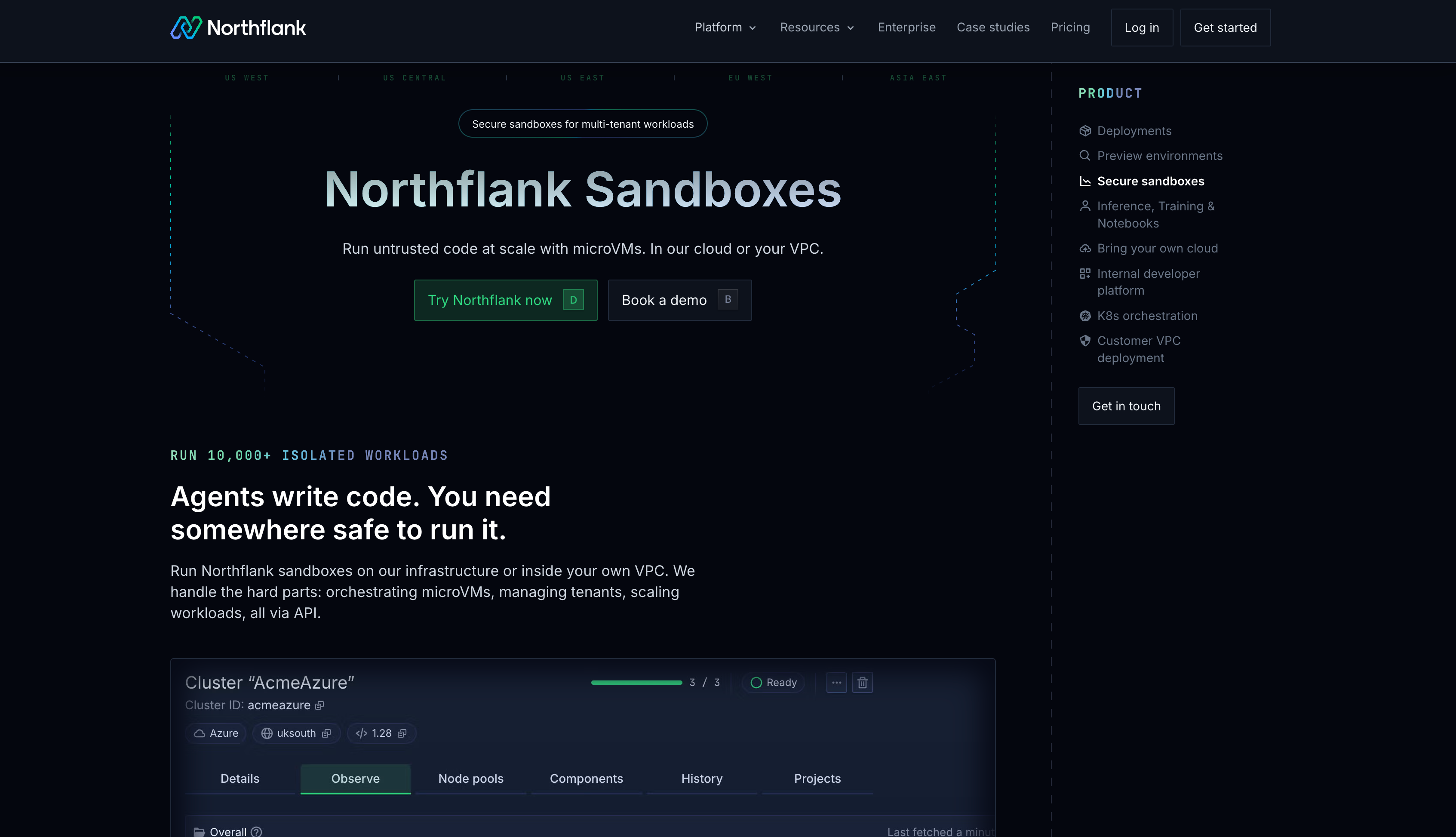
Northflank provides production-grade untrusted code execution on Kubernetes without the setup and maintenance overhead. Kata Containers with Cloud Hypervisor, Firecracker, and gVisor are all available, applied per workload based on your threat model. Every sandbox runs in its own microVM with a dedicated kernel. Network controls, resource limits, secrets management, and observability are built in.
For enterprises already on Kubernetes, Northflank BYOC deploys into your existing EKS, GKE, AKS, or bare-metal cluster self-serve. Northflank manages the isolation layer and orchestration on your cluster while your data never leaves your own VPC. You keep your Kubernetes investment and compliance posture while gaining production-grade microVM isolation without months of infrastructure work.
cto.new migrated their entire untrusted code execution infrastructure to Northflank in two days and went from unworkable provisioning to thousands of daily sandbox deployments with linear, per-second billing. That is what production untrusted code execution looks like when you do not build the isolation layer yourself.
Get started on Northflank (self-serve, no demo required). Or book a demo to walk through your isolation requirements.
No. Standard containers share the host kernel. A kernel vulnerability exploited inside a container can allow an attacker to escape to the host. For untrusted code from external users, AI agents, or any source you do not control, you need gVisor or Kata Containers to add a kernel-level isolation boundary.
gVisor intercepts syscalls in user space and reimplements a subset of the Linux kernel, reducing direct interaction with the host kernel without running a full VM per workload. Kata Containers runs each pod in its own microVM with a dedicated guest kernel, enforcing hardware-level isolation via KVM. For genuinely adversarial untrusted code, Kata Containers provides a stronger boundary. gVisor is appropriate when the threat model does not require full hardware isolation and lower overhead matters more.
You need KVM support on each node, the containerd-shim-kata-v2 binary installed, a RuntimeClass resource configured with the Kata handler, and containerd configured to route pods with that RuntimeClass to the Kata shim. You also need to manage guest kernel images and configure networking. Northflank handles all of this if you want to skip the setup.
Apply a default-deny egress NetworkPolicy and whitelist only the specific endpoints the workload needs. Set automountServiceAccountToken: false to prevent access to the Kubernetes API. Use read-only root filesystems where possible. These controls supplement the isolation boundary and prevent exfiltration even when microVM isolation is in place.
Yes. RuntimeClass lets you run trusted workloads with the default runc runtime and untrusted workloads with Kata Containers or gVisor on the same cluster. Node taints and affinities can further restrict which nodes handle untrusted workloads if your security posture requires physical separation.
Yes. Northflank BYOC deploys into your existing EKS, GKE, AKS, or bare-metal Kubernetes cluster self-serve. Northflank manages the sandbox infrastructure layer on your cluster including Kata Containers, Firecracker, and gVisor isolation. Your data never leaves your own VPC.
Running untrusted code on Kubernetes safely requires going beyond the default container model. You need a runtime that enforces a kernel-level isolation boundary between the workload and the host, network controls that prevent exfiltration, resource limits that contain runaway code, and observability that tells you what happened. Configuring and operating that stack in production is a multi-month engineering effort.
Northflank provides it out of the box. Production-grade microVM isolation on Kubernetes, self-serve BYOC into your existing cluster, full-stack scope including databases and GPU workloads, and no months of infrastructure work to get there. The teams running untrusted code on Northflank did not spend that time on isolation infrastructure. They shipped.
Sign up for free or book a demo to see how Northflank handles untrusted code execution on your Kubernetes infrastructure.
- Sandboxes on Kubernetes: isolation options and how to run them in production: Covers the broader landscape of running AI agent sandboxes on Kubernetes including the Agent Sandbox CRD project.
- Best platforms for untrusted code execution in 2026: How to choose a sandbox platform when isolation model determines security outcomes.
- Kata Containers vs Firecracker vs gVisor: A comparison of isolation technologies covering security model, performance, and when to use each.
- What is sandbox infrastructure?: The full stack required to run isolated workloads safely at scale, beyond the isolation layer itself.