
Guide to Cloud Hypervisor in 2026: Modern VMM for cloud workloads
Cloud Hypervisor is an open-source Virtual Machine Monitor written in Rust for modern cloud workloads. It provides hardware-level isolation through lightweight VMs while supporting CPU and memory hotplugging, vhost-user devices, and Kata Containers integration.
It boots VMs in ~200ms and runs on KVM and Microsoft Hypervisor across x86-64 and AArch64 architectures. The project is part of the Linux Foundation and is commonly used with Kata Containers for cloud workloads.
Platforms like Northflank use Cloud Hypervisor as the primary VMM for Kata Containers, processing isolated workloads at scale in production.
Cloud Hypervisor is a Virtual Machine Monitor that creates and manages lightweight virtual machines for cloud workloads.
Unlike traditional hypervisors designed for flexibility and legacy hardware support, Cloud Hypervisor focuses exclusively on modern operating systems running in cloud environments. The project started as Intel's contribution to the Rust VMM ecosystem, building on lessons learned from both Firecracker and crosvm.
While Firecracker prioritizes minimalism for serverless workloads and QEMU prioritizes completeness for every possible use case, Cloud Hypervisor aims for the middle ground: enough features to handle production workloads without unnecessary complexity.
Cloud Hypervisor implements modern virtualization features that cloud applications actually need: paravirtualized I/O through virtio devices, CPU and memory hotplugging, device passthrough via VFIO, and integration with container orchestration platforms.
Cloud Hypervisor is built on the Rust VMM project, sharing virtualization components with Firecracker and crosvm.
Key architectural choices include minimal device emulation (only 16 devices needed for modern workloads), paravirtualization through virtio for networking and storage, API-driven management via REST, and Rust's memory safety to prevent common vulnerabilities.
| Feature | Specification |
|---|---|
| Language | Rust (memory-safe) |
| Code size | ~50,000 lines |
| Boot time | ~200ms |
| Architectures | x86-64, AArch64 |
| Guest OS support | Linux, Windows 10/Server 2019 |
| Hypervisor backend | KVM, Microsoft Hypervisor (MSHV) |
Understanding where Cloud Hypervisor fits relative to Firecracker and QEMU helps clarify its design trade-offs.
- Firecracker comparison: Cloud Hypervisor boots in ~200ms compared to Firecracker's ~125ms. The extra 75ms enables CPU and memory hotplugging, vhost-user devices, and broader hardware compatibility that Firecracker deliberately omits. Firecracker optimizes for ephemeral serverless functions, while Cloud Hypervisor targets longer-running workloads needing runtime flexibility.
- QEMU comparison: Cloud Hypervisor has ~50k lines of Rust versus QEMU's ~2 million lines of C. QEMU emulates 40+ devices including legacy hardware; Cloud Hypervisor implements 16 modern devices. Cloud Hypervisor boots significantly faster (~200ms vs several seconds for QEMU) with sensible defaults for cloud workloads, while QEMU requires extensive configuration.
| Factor | Cloud Hypervisor | Firecracker | QEMU |
|---|---|---|---|
| Code size | ~50k lines (Rust) | ~50k lines (Rust) | ~2M lines (C) |
| Boot time | ~200ms | ~125ms | Several seconds |
| Hotplugging | CPU, memory, devices | No | Yes (complex) |
| GPU support | Limited | No | Full (VFIO) |
| Kata integration | Supported (commonly selected in cloud platforms) | Supported | Supported (historically default |
Use a platform that abstracts the complexity
- You need production-grade isolation without infrastructure engineering
- You're running AI agents, code sandboxes, or untrusted workloads at scale
- You want infrastructure that grows beyond sandboxing (databases, APIs, orchestration)
Northflank provides Cloud Hypervisor through Kata Containers with operational complexity abstracted away. Try Northflank or talk to an engineer about your isolation requirements.
Cloud Hypervisor provides several features that make it suitable for production cloud workloads.
Cloud Hypervisor can add CPUs and memory to running VMs without restarting, enabling workloads to scale resources dynamically.
CPU hotplugging works by the hypervisor creating new vCPUs and advertising them to the guest kernel through ACPI. The guest OS then brings the new CPUs online. Memory hotplugging allocates additional memory on the host (in multiples of 128 MiB) and maps it into the guest's address space.
Vhost-user offloads device emulation to separate processes, improving performance and security.
Instead of handling I/O directly in the VMM process, Cloud Hypervisor delegates it to specialized daemons. This architecture enables higher I/O throughput by running device handlers on dedicated cores, better isolation by separating device logic from the VMM, and easier device implementation through standard vhost-user protocols.
Cloud Hypervisor uses paravirtualized virtio devices for all I/O operations.
This includes virtio-net for networking, virtio-blk for block storage, virtio-fs for filesystem sharing, virtio-vsock for host-guest communication, and virtio-pmem for persistent memory. Virtio avoids emulating real hardware, providing a clean interface that both guest and host understand, eliminating overhead and enabling better performance.
Cloud Hypervisor supports passing through physical devices directly to VMs using VFIO.
This gives near-native performance for PCIe devices like network cards or accelerators that need direct hardware access. While QEMU has more mature VFIO support, Cloud Hypervisor provides the functionality needed for most cloud use cases.
Kata Containers supports multiple VMMs (including QEMU and Cloud Hypervisor). Many cloud platforms run Kata with Cloud Hypervisor for Kubernetes microVM workloads.
When you deploy a container with Kata's Cloud Hypervisor runtime class, Kata handles all the orchestration: provisioning the VM, booting a minimal guest kernel, mounting your container image, managing networking between guest and host, and handling VM lifecycle. From Kubernetes' perspective, it's a normal container. Under the hood, it's a full VM with hardware isolation.
This integration makes Cloud Hypervisor accessible to teams who need VM-level security without building custom infrastructure. Platforms like Northflank use this Kata Containers integration with Cloud Hypervisor to provide hardware-level isolation for production workloads. You deploy using standard Kubernetes YAML, and Kata handles the VMM complexity.
Cloud Hypervisor makes deliberate trade-offs that create some limitations compared to full-featured hypervisors.
- No legacy hardware support: Cloud Hypervisor doesn't emulate legacy devices like floppy drives, PS/2 keyboards, or ISA buses. Modern cloud workloads don't need these devices, and emulating them adds complexity and attack surface.
- Limited GPU support: While Cloud Hypervisor supports some GPU passthrough scenarios via VFIO, QEMU's implementation is more mature and handles a wider range of GPUs and configurations.
- Windows support is evolving: Cloud Hypervisor supports Windows 10 and Windows Server 2019, but the implementation is less mature than Linux support. Most production deployments run Linux guests.
- Snapshot stability: Snapshot/restore and live migration features exist but aren't guaranteed stable across versions. Production deployments should test these features thoroughly before relying on them.
Production-ready Cloud Hypervisor without the operational complexity Running Cloud Hypervisor requires managing VM lifecycles, networking configuration, and Kubernetes integration.
Northflank uses Kata Containers with Cloud Hypervisor to provide hardware-level isolation without operational overhead. Deploy any OCI container image and get VM-level security with standard container workflows. Try Northflank or talk to an engineer.
Understanding Cloud Hypervisor's ideal use cases helps you decide if it fits your requirements.
- Production microVMs in Kubernetes: Production microVMs in Kubernetes: Cloud Hypervisor is a commonly selected VMM for Kata Containers when running hardware-isolated container workloads.
- Multi-tenant cloud workloads: SaaS platforms, code execution environments, AI sandboxes, and customer deployments all benefit from Cloud Hypervisor's balance of security and functionality.
- Workloads needing runtime flexibility: If your applications need CPU/memory hotplugging, vhost-user devices, or broader hardware support than Firecracker provides, Cloud Hypervisor delivers these features without QEMU's complexity.
- Memory safety and security: Rust's memory safety prevents entire classes of vulnerabilities that affect C-based hypervisors. The smaller codebase means fewer potential attack vectors compared to QEMU.
Northflank uses Kata Containers with Cloud Hypervisor as the primary VMM for microVM isolation.
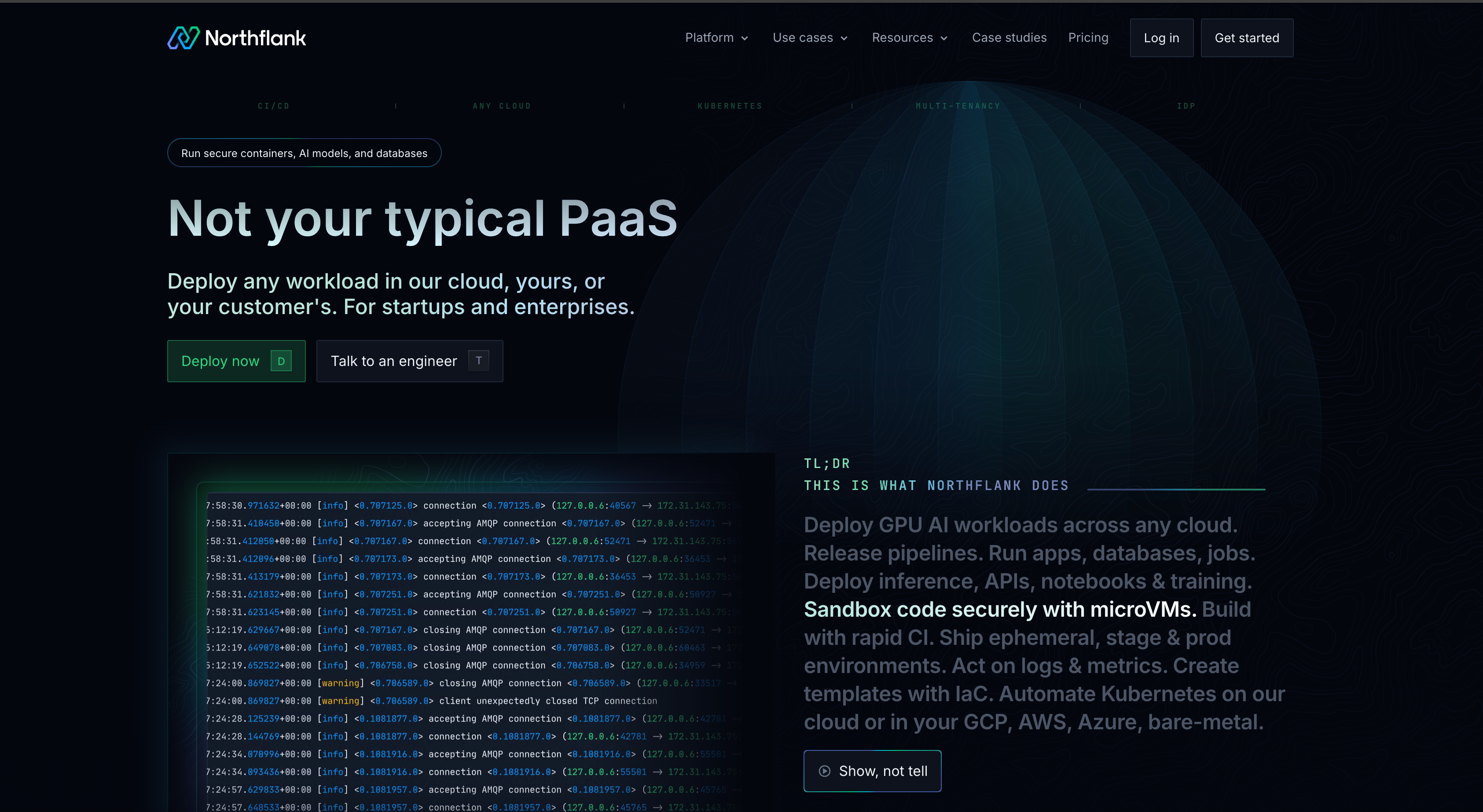
Cloud Hypervisor was chosen for its strong runtime performance, broad workload compatibility, production stability, and active development community under the Linux Foundation. The platform processes isolated workloads at scale, providing VM-level security with container workflows.
Enterprise customers run secure multi-tenant workloads on Northflank's infrastructure. When companies need to provision thousands of secure sandboxes for untrusted code execution, Northflank's Cloud Hypervisor-based infrastructure handles the scale reliably. No kernel images to maintain, no networking configuration, no complex hypervisor setup.
Try Northflank or talk to an engineer about your isolation requirements.
Getting started with Cloud Hypervisor depends on whether you're using it standalone or through Kata Containers.
Build Cloud Hypervisor from source:
# Install dependencies
sudo apt install git build-essential

# Install Rust
curl --proto '=https' --tlsv1.2 -sSf https://sh.rustup.rs | sh

# Clone and build
git clone https://github.com/cloud-hypervisor/cloud-hypervisor.git
cd cloud-hypervisor
cargo build --release

# Grant network capabilities
sudo setcap cap_net_admin+ep ./target/release/cloud-hypervisorThe easiest way to use Cloud Hypervisor in production is through Kata Containers on Kubernetes.
Install Kata Containers:
# Set the latest version and chart URL
export VERSION=$(curl -sSL https://api.github.com/repos/kata-containers/kata-containers/releases/latest | jq .tag_name | tr -d '"')
export CHART="oci://ghcr.io/kata-containers/kata-deploy-charts/kata-deploy"

# Install Kata Containers using the OCI Helm chart
helm install kata-deploy "${CHART}" \
  --namespace kube-system \
  --create-namespace \
  --version "${VERSION}"
Specify the Cloud Hypervisor runtime in your pod spec:
apiVersion: v1
kind: Pod
metadata:
  name: secure-workload
spec:
  runtimeClassName: kata-clh
  containers:
  - name: app
    image: your-image:latest
Kata handles all Cloud Hypervisor orchestration automatically.
Different VMMs make different trade-offs based on their target use cases.
| VMM | Design focus | Best suited for |
|---|---|---|
| Cloud Hypervisor | Balance of features and minimalism | Production Kubernetes workloads needing VM isolation with runtime flexibility (hotplugging, vhost-user). Frequently used with Kata Containers for cloud workloads. |
| Firecracker | Maximum minimalism and speed | Serverless functions requiring fastest possible boot times and smallest footprint. AWS Lambda's foundation for ephemeral workloads. |
| QEMU | Maximum flexibility and compatibility | Full system emulation, GPU workloads, legacy hardware, desktop virtualization. Most flexible but largest attack surface. |
Related articles:
- Kata Containers vs Firecracker vs gVisor: Which container isolation tool should you use?
- Firecracker vs gVisor: Which isolation technology should you use?
- Firecracker vs QEMU: Which one should you use?
- Your containers aren't isolated. Here's why that's a problem
- How to spin up a secure code sandbox and microVM in seconds with Northflank
- Multi-tenant cloud deployment
- What is an AI sandbox?
Cloud Hypervisor provides more features than Firecracker (CPU/memory hotplugging, vhost-user, broader device support) while maintaining a security-focused design. Firecracker boots faster (~125ms vs ~200ms) but deliberately omits features to stay minimal. Cloud Hypervisor targets longer-running cloud workloads, Firecracker targets ephemeral serverless functions.
Cloud Hypervisor has a significantly smaller codebase (~50k lines of Rust vs ~2M lines of C) and is written in a memory-safe language, reducing potential vulnerabilities. However, QEMU has been battle-tested for decades and receives extensive security auditing. For modern cloud workloads, Cloud Hypervisor's smaller attack surface is generally advantageous.
Cloud Hypervisor supports some GPU passthrough scenarios via VFIO, but the implementation is less mature than QEMU's. For production GPU workloads, thoroughly test your specific GPU and drivers with Cloud Hypervisor, or consider QEMU for more reliable GPU support.
Yes, Cloud Hypervisor supports Windows 10 and Windows Server 2019. However, Linux guests receive more development focus and are more widely deployed in production. Test Windows workloads thoroughly before production deployment.
Kata Containers supports multiple VMMs, including QEMU and Cloud Hypervisor. Some platforms configure Kata to use Cloud Hypervisor by default. When you specify the kata-clh runtime class in Kubernetes, Kata automatically uses Cloud Hypervisor to create and manage VMs. This integration handles all operational complexity, making Cloud Hypervisor accessible through standard Kubernetes APIs.
Yes, Cloud Hypervisor can run standalone. However, most production deployments use it through Kata Containers for Kubernetes integration. Running Cloud Hypervisor directly requires manual VM lifecycle management, networking configuration, and orchestration.