
Top 5 Kubernetes preview environments comparison for 2026
The best Kubernetes preview environment platforms in 2026 go beyond simple namespace isolation to offer full-stack ephemeral orchestration with managed databases, secrets, and production-like configurations.
Choosing the right platform depends on your infrastructure model (managed vs BYOC), team size, and if you need just containers or complete application stacks.
Key evaluation criteria for K8s preview environments:
- Cluster architecture (managed vs. bring-your-own-cluster)
- Isolation strategy (namespace vs. virtual cluster vs. dedicated cluster)
- Workload support (frontend-only vs. full-stack with databases)
- Resource management (quotas, autoscaling, cost efficiency)
- Deployment workflow (Helm, Kustomize, GitOps compatibility)
Top 5 platforms compared:
- Northflank: Managed + BYOC hybrid with full-stack orchestration, native database provisioning, production promotion workflows, and teardown scheduling for cost efficiency
- Okteto: Live code synchronization for inner-loop development
- Namespace: Ephemeral cluster provisioning with BYOC
- Qovery: Cloud-agnostic platform abstraction
- Bunnyshell: Environment-as-code configuration templates
Northflank provides production-ready preview environments that handle the entire application lifecycle, not just containers. You get managed databases, automated secrets, job scheduling, and native Kubernetes deployment patterns with both managed infrastructure and BYOC options. The platform's teardown scheduling and resource management reduce costs as you scale to dozens or hundreds of concurrent previews.
In 2026, the best Kubernetes preview environments offer full-stack ephemeral orchestration beyond namespace isolation. Choosing between platforms like Northflank, Okteto, and Namespace depends on your infrastructure model, cost-scaling needs, and whether you require managed databases alongside containers.
If you're running Kubernetes in production, adding preview environments requires evaluating how they integrate with your cluster infrastructure, not just developer productivity features.
Infrastructure-level concerns that change your evaluation:
- Cluster operations: Does the platform respect your existing K8s RBAC, network policies, and security boundaries, or does it require workarounds?
- Resource management: Can you prevent preview environment sprawl from consuming production cluster resources through quotas and autoscaling?
- Deployment compatibility: Will your existing Helm charts, Kustomize overlays, and GitOps workflows work without modification?
- Multi-tenancy strategy: How does the platform handle isolation between teams and projects at scale?
- Production parity: Can previews include databases, jobs, secrets, and other stateful components, not just application containers?
Platforms that provide full-stack orchestration (like Northflank) solve these by treating the preview as a complete application lifecycle event, rather than just a temporary container deployment.
This comparison focuses on these Kubernetes infrastructure capabilities rather than general preview environment features. For a broader context on why ephemeral preview environments are important, see our foundational guide.
You need a framework based on K8s infrastructure priorities before evaluating specific platforms.
Does the platform manage clusters for you or integrate with your existing infrastructure?
- Managed clusters: Platform provisions and operates K8s infrastructure. Reduced operational overhead but limited cluster-level customization.
- BYOC (Bring Your Own Cloud): You maintain full control over cluster infrastructure. Requires K8s expertise and cluster admin permissions. Maximum flexibility for networking and security.
- Hybrid: Both managed and BYOC options, letting you choose based on project requirements.
How does the platform handle multi-tenancy and environment isolation?
- Namespace-per-preview: Dedicated namespace for each preview. Clear isolation and simpler quota management.
- Virtual clusters: Lightweight K8s clusters within your main cluster. Better isolation than namespaces with lower overhead.
- Dedicated clusters: Full cluster per preview. Maximum isolation but higher costs.
Does the platform provision complete application stacks or just containers?
- Container-only: Deploys application code but requires external services for databases. Simpler but may not match production.
- Full-stack: Provisions databases, jobs, and secrets automatically per preview. Production parity for testing.
How does the platform control costs as you scale preview environments?
- Critical capabilities: Per-environment quotas, automatic idle shutdown, teardown scheduling, and cost tracking per team or project.
Here's a side-by-side comparison of how each platform handles the key K8s infrastructure criteria that impact your deployment workflow and operational costs.
| Platform | Cluster Model | Isolation Strategy | Workload Support | Deployment Patterns | Cost Management | Best For |
|---|---|---|---|---|---|---|
| Northflank | Managed + BYOC | Namespace per project | Full-stack (containers + databases + jobs) | Helm, Kustomize, manifests, GitOps | Teardown scheduling, auto-shutdown, detailed tracking | Full-stack teams requiring production parity (databases + jobs) with enterprise-grade BYOC control |
| Okteto | Managed + BYOC | Namespace per preview | Container-focused with external services | Helm, manifests, live sync | Configurable sleep/wake policies | Inner-loop development and live code sync |
| Namespace | BYOC | Ephemeral clusters | Container-focused | Helm, Kustomize, manifests | Branch-based cleanup | High-performance compute needs |
| Qovery | Managed (your cloud) | Namespace per environment | Containers with database provisioning | Helm, manifests | Auto-cleanup on merge | Multi-cloud deployments |
| Bunnyshell | Managed + BYOC | Namespace per environment | Full-stack with templates | Helm, manifests, templates | Template-defined limits | Complex microservices with dependencies |
While many platforms focus on the container layer, Northflank is designed to mirror your entire production environment. This includes managed databases and add-ons that are automatically provisioned, seeded, and destroyed alongside your code, ensuring that your preview environments are as reliable as your production cluster.
Each platform takes a different approach to K8s preview environments based on their target use case and infrastructure philosophy.
Northflank provides production-ready Kubernetes infrastructure with comprehensive preview environment capabilities for teams wanting full-stack orchestration with operational flexibility.
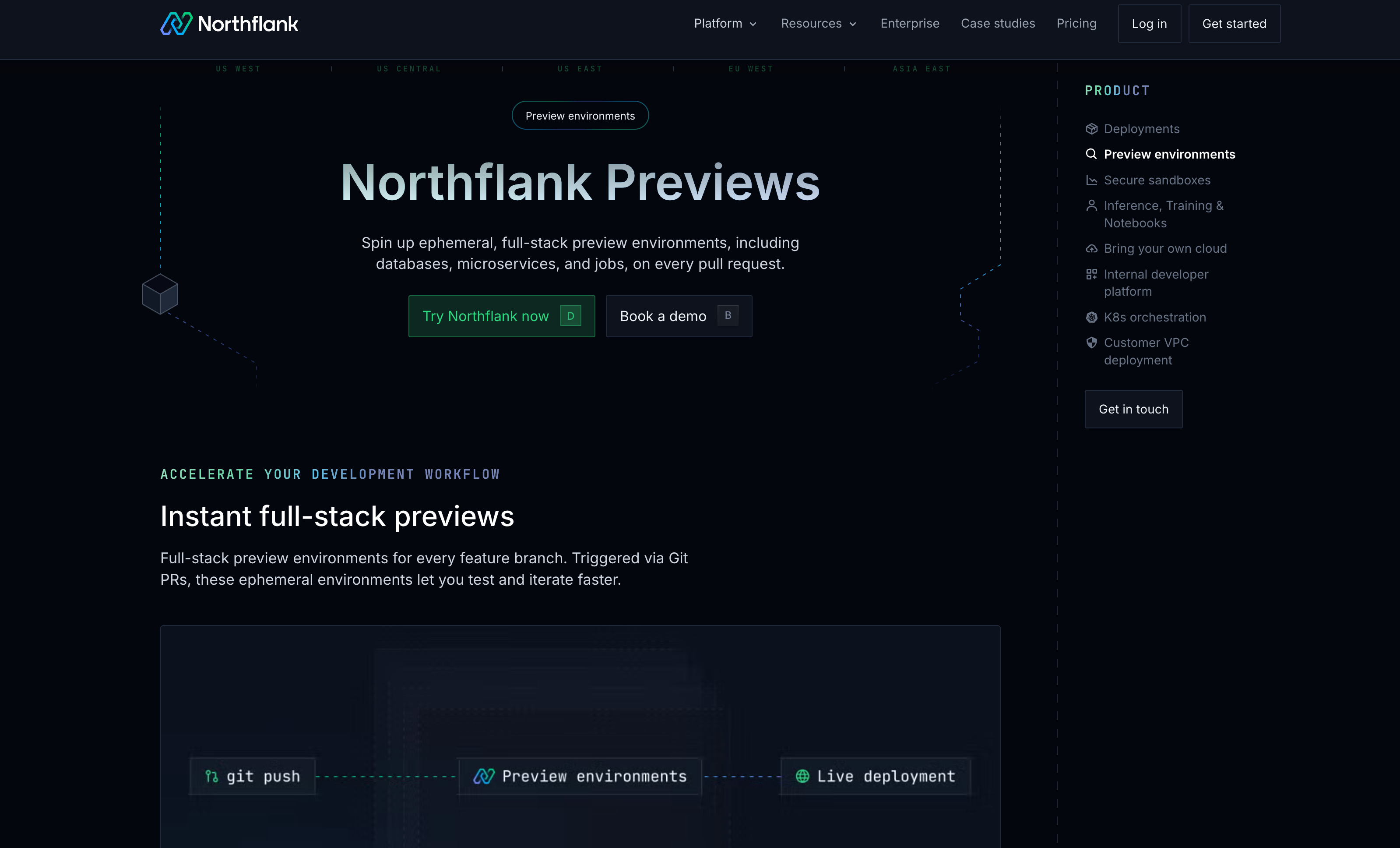
Key features of Northflank:
- Cluster architecture: You get both managed Kubernetes and BYOC (Bring Your Own Cloud) options. With managed clusters, Northflank handles operations, upgrades, and scaling while giving you namespace-level control. BYOC lets you connect existing clusters when you need specific configurations or compliance requirements.
- Full-stack orchestration: Unlike container-only platforms, Northflank provisions managed databases (PostgreSQL, MySQL, MongoDB, Redis), scheduled jobs, and secrets automatically for each preview. This creates production-like environments where you can test complete application behavior including database migrations and background workers.
- Kubernetes deployment flexibility: Native support for Helm charts, Kustomize, and raw Kubernetes manifests without conversion or rewriting. Works with your existing deployment configurations and GitOps workflows, including ArgoCD integration.
- Resource management: Per-environment resource quotas with automatic teardown scheduling. Preview environments shut down after configurable idle periods, and you get detailed cost tracking showing resource consumption per preview, project, or team. This cost efficiency becomes significant when you're running 50+ concurrent previews.
- Production promotion: Built-in workflows for promoting tested preview configurations to staging and production environments, maintaining consistency across your deployment pipeline.
Best for: Teams requiring full-stack preview environments with the flexibility to choose between managed infrastructure and BYOC based on project needs. Particularly valuable when you need databases, jobs, and secrets automatically provisioned alongside containers.
Learn more about Northflank's preview environment capabilities and follow this guide to set up a preview environment
Okteto focuses on live code synchronization in Kubernetes clusters.
Key features of Okteto:
- Cluster architecture: Okteto Cloud provides managed clusters, or you can install into your existing K8s infrastructure.
- Development workflow: Live code synchronization where you can code directly in remote Kubernetes clusters.
- Kubernetes capabilities: Supports existing manifests and Helm charts with namespace isolation.
Best for: Teams prioritizing inner-loop development and live code sync.
Namespace provides ephemeral cluster provisioning with a BYOC approach.
Key features of Namespace:
- Cluster architecture: BYOC model where you install into existing clusters.
- Performance focus: Fast environment provisioning through caching and resource reuse. Creates ephemeral clusters rather than namespaces.
Best for: Platform engineers managing their own Kubernetes infrastructure.
Qovery offers managed Kubernetes deployment across multiple cloud providers.
Key features of Qovery:
- Cluster architecture: Managed approach where Qovery provisions clusters in your AWS, GCP, or Azure accounts.
- Cloud abstraction: No-ops deployment without YAML management.
Best for: Teams running multi-cloud Kubernetes.
Bunnyshell uses environment-as-code templates for preview environments.
Key features of Bunnyshell:
- Cluster architecture: Offers both managed Kubernetes and existing cluster integration.
- Template-driven environments: Environments defined in YAML templates specifying components and dependencies.
Best for: Teams with multi-service applications requiring environment templates.
Your decision depends on infrastructure maturity, team expertise, and workload requirements.
| Your situation | Recommended platform | Why |
|---|---|---|
| Need full-stack previews (databases + containers + jobs) with managed or BYOC flexibility | Northflank | Platform offering complete application stack provisioning with infrastructure choice |
| Have existing K8s clusters and want minimal platform overhead | Namespace | Lightweight integration with existing infrastructure |
| Prioritize developer inner-loop and live code synchronization | Okteto | Built for rapid iteration with hot reload |
| Running multi-cloud Kubernetes across AWS/GCP/Azure | Qovery | Unified management across cloud providers |
| Complex microservices with templated dependency requirements | Bunnyshell | Environment-as-code approach for consistency |
| Scaling from 10 to 100+ concurrent preview environments | Northflank | Teardown scheduling and cost tracking prevent resource sprawl |
If you need full-stack preview environments that include managed databases, scheduled jobs, and secrets alongside containers, Northflank's preview environments provide production-ready infrastructure with the flexibility to choose between managed and BYOC models.
Northflank respects your existing Kubernetes investments rather than forcing deployment configuration rewrites. Your preview environments should accelerate development without creating new operational overhead or forcing you to maintain separate configurations from production.
Start with setting up your first preview environment to see how production-like ephemeral environments integrate with your existing workflows.
Yes. Northflank, Okteto, Namespace, and Bunnyshell support existing Helm charts without modification.
Most platforms automatically delete preview environments when Git branches are merged or deleted. Northflank also supports idle timeout policies.
Northflank provisions fresh managed databases per preview with optional seeding and automatic teardown, ensuring no data remnants or extra costs after the PR is closed. Other platforms may require connecting to shared staging databases.
Not necessarily. BYOC platforms install into existing clusters using namespace isolation. Northflank's hybrid approach lets you choose.
Platforms with automatic teardown scheduling and idle shutdown (like Northflank) provide better cost efficiency when scaling to 50+ concurrent previews.