
Daytona vs Modal: comparing AI code execution sandboxes in 2026
Both platforms provide isolated sandboxes for running untrusted code, but they approach the problem differently.
- Daytona is built around SDK-managed sandbox lifecycle. You create sandboxes from snapshots, configure auto-stop and cleanup behavior, and reuse warm sandboxes. As of June 2026, Daytona's production codebase is closed-source.
- Modal is an AI infrastructure platform that includes sandboxes as one product. Sandboxes run on gVisor and are defined at runtime.
- The core difference is environment and lifecycle design: Daytona focuses on sandbox objects with lifecycle automation (auto-stop, auto-archive, auto-delete) and warm-start behavior, while Modal focuses on runtime-defined containers with gVisor-based isolation and a deny-by-default posture for inbound connections.
Northflank provides secure sandboxes for running untrusted code at scale with microVM isolation (Kata Containers, Firecracker, gVisor), supporting both ephemeral and persistent environments in managed cloud or your own VPC. It also removes the ceiling: if you need GPUs, workers, APIs, or databases running alongside your sandboxes, they run in the same platform.
Daytona provides sandboxes as isolated runtime environments managed via SDKs. You can create sandboxes from snapshots, configure lifecycle behavior, and control how sandboxes stop, archive, and delete over time.
In June 2026, Daytona moved its production codebase to closed source; the original open-source repository remains public but is no longer maintained.
A few concrete behaviors define the runtime model:
- Warm starts via pools: Daytona keeps a pool of warm sandboxes using default snapshots, so sandboxes can launch within milliseconds rather than cold-booting.
- Lifecycle automation: sandboxes auto-stop by default after inactivity, and you can configure auto-archive and auto-delete intervals.
- Network controls: Daytona includes configurable network firewall controls when creating a sandbox.
Modal Sandboxes are secure containers for executing untrusted user or agent code. They are created dynamically through Modal’s SDKs, and their lifecycle is governed by timeouts.
Two traits are especially relevant for sandbox workloads:
- Timeout-based sessions: sandboxes have a default maximum lifetime of 5 minutes, configurable up to 24 hours. For runs beyond 24 hours, Modal recommends preserving state via filesystem snapshots and restoring into a new sandbox.
- Security model and networking controls: a default sandbox cannot accept incoming connections and cannot access your Modal resources; outbound network can be blocked entirely or restricted with CIDR allowlists. Sandboxes run on gVisor.
Here's how the three platforms stack up across the dimensions that typically drive the decision.
| Daytona | Modal | Northflank | |
|---|---|---|---|
| Primary use case | SDK-managed sandbox lifecycle and reuse via snapshots / warm pools | AI infrastructure platform with sandboxes as one product | Secure microVM sandboxes at scale, with full workload runtime |
| Isolation | Container-based (OCI / Docker images) | gVisor (syscall interception) | microVM isolation via Kata Containers, Firecracker, gVisor |
| Persistence model | Snapshot-based reuse plus lifecycle archive/delete controls | Session-scoped (timeout up to 24h); filesystem snapshots for state preservation | Both ephemeral and persistent, same platform |
| Networking | Firewall controls, allowlist/block networking, preview URLs and SSH access | Block all network, restrict outbound via CIDR allowlist; connect tokens and port forwarding | Runs in your VPC, microVM-per-workload isolation |
| Lifecycle controls | Auto-stop default 15 minutes inactivity; auto-archive default 7 days; auto-delete disabled by default | Default max lifetime 5 minutes; configurable up to 24 hours | Ephemeral pools or long-running stateful services |
| SDK / access | Python, TypeScript, Ruby, Go SDKs; API and CLI | SDK-first (Python, JavaScript, Go) | API, CLI, SSH |
The differences that drive the decision come down to isolation, lifecycle, environment definition, and networking.
Modal sandboxes run on gVisor, which intercepts system calls to reduce host kernel exposure. A default sandbox also cannot accept inbound connections and is not authorized to access other Modal workspace resources.
Daytona sandboxes run as container-based environments created from OCI/Docker images, with configurable firewall controls for managing network access.
Daytona is built around inactivity-based lifecycle automation, including auto-stop, auto-archive, and auto-delete policies.
Modal is built around timeout-bounded sessions. Sandboxes have a short default maximum lifetime, can be configured up to 24 hours, and longer workflows use snapshots and restore into a new sandbox.
Daytona emphasizes snapshot reuse and warm-start behavior, which fits repeated execution in consistent environments.
Modal emphasizes runtime-defined environments, where the container configuration is assembled in code at sandbox creation time.
Modal exposes explicit network restriction controls, including the ability to block network access entirely or restrict outbound access.
Daytona focuses on firewall configuration and sandbox lifecycle controls as the main way you shape connectivity and exposure.
Daytona fits when you want sandbox lifecycle controls to be the primary interface. Use it when:
- You want inactivity-based lifecycle automation (auto-stop) and cleanup controls (auto-archive and auto-delete) as part of the sandbox object model.
- Your workloads benefit from snapshot-based reuse and warm-start behavior for repeated sandbox creation.
- You want configurable firewall controls at sandbox creation time.
- Your agent workload often needs to keep a sandbox alive indefinitely by disabling auto-stop.
Modal fits when sandboxes are one part of a broader compute platform, and you want runtime-defined containers with explicit networking controls. Use it when:
- You want gVisor-based isolation for sandboxes, with a clearly described security model and default restrictions on inbound connections.
- You need explicit “no network” or “restricted outbound only” behavior directly in the sandbox API.
- Your execution model fits session timeouts (default 5 minutes, configurable up to 24 hours) and snapshot/restore for longer workflows.
- You want built-in patterns for authenticated inbound access using connect tokens, plus port-forwarding options when you need raw TCP exposure.
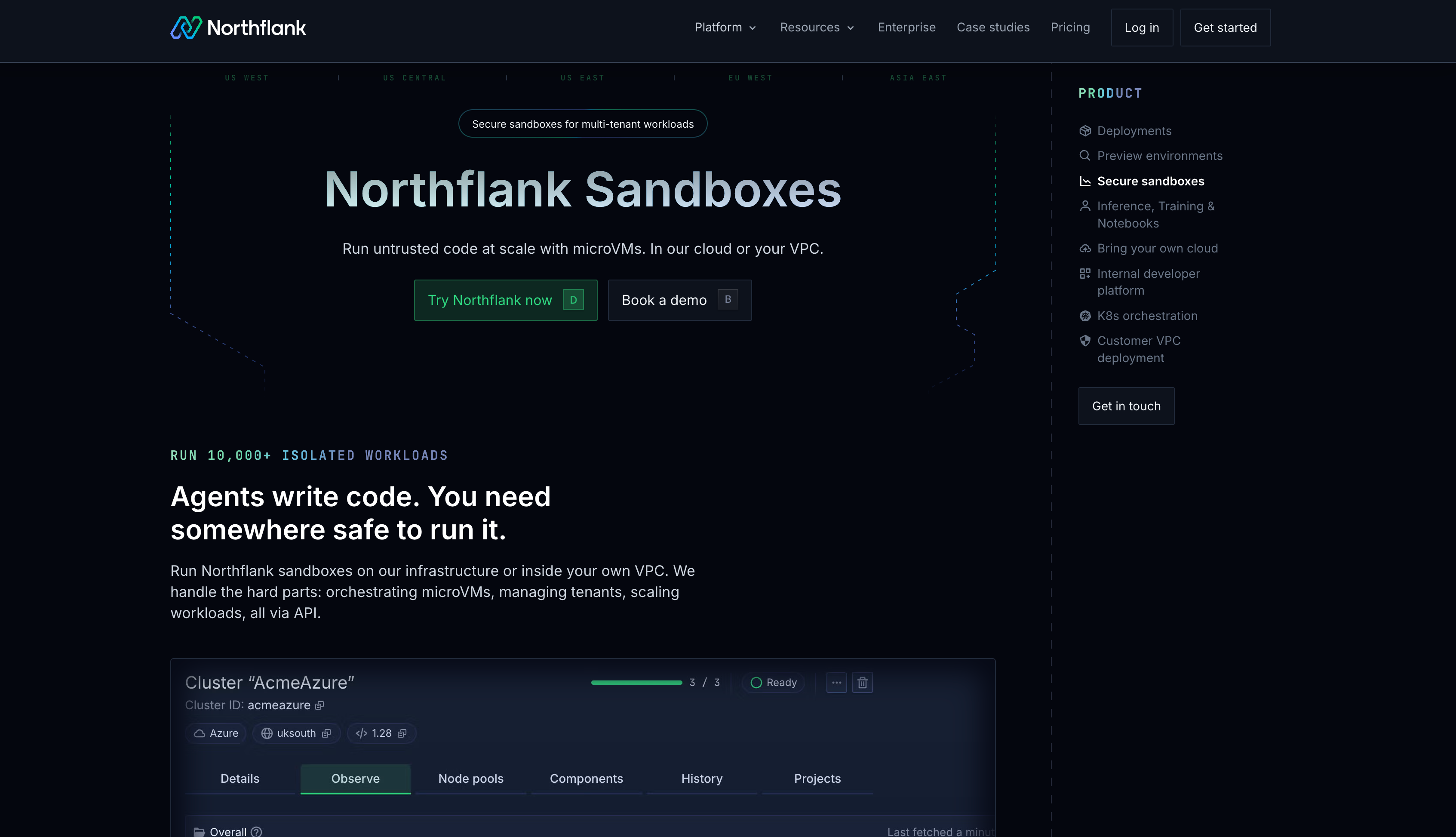
Northflank’s Secure Sandboxes run each workload in its own microVM (Kata Containers, Firecracker, gVisor) in your VPC. It supports both ephemeral and persistent environments in the same control plane.
Where it goes further is in what surrounds the sandboxes: the same platform also runs APIs, workers, background jobs, databases, and CPU or GPU workloads, so teams do not need a separate system as requirements grow.
Here's how it compares:
- MicroVM sandboxes: Kata Containers, Firecracker, and gVisor isolation depending on workload. Sub-second cold starts. Built for running untrusted, LLM-generated code safely at scale with true multi-tenant isolation.
- Ephemeral and persistent, same control plane: Short-lived execution pools and long-running stateful services run together. No need to choose one model or stitch two tools.
- Self-serve BYOC: Deploy in your own infrastructure on AWS, GCP, Azure, Oracle, Civo, CoreWeave, or on-premises. Enterprises can run sandboxes entirely within their own infrastructure, which is important for teams with compliance or data residency requirements.
- On-demand GPUs without quota requests: Self-service provisioning for inference, training, and compute-heavy agent work. No waiting on allocations.
- Full workload runtime alongside sandboxes: Agents, APIs, workers, background jobs, databases, and inference run in the same platform. Teams that outgrow sandbox-only tools don't need to migrate.
- End-to-end sandbox creation in 1-2 seconds: The full creation process, not just VM boot.
- In production since 2021: Multi-tenant microVM workloads across startups, public companies, and government deployments. For a concrete example, cto.new uses Northflank's microVMs to scale secure sandboxes in production.
- Pricing: CPU at $0.01667/vCPU-hour, memory at $0.00833/GB-hour. Full details on the Northflank pricing page.
To make the pricing difference concrete, here is what 200 sandboxes costs across providers under the same conditions.
Based on 200 sandboxes, plan: nf-compute-100-4, infra node: m7i.2xlarge
| Model | Provider | Cloud | Sandbox vendor | Total |
|---|---|---|---|---|
| PaaS | Northflank | — | $7,200.00 | $7,200.00 |
| PaaS | Daytona | — | $16,819.20 | $16,819.20 |
| PaaS | Modal | — | $24,491.50 | $24,491.50 |
| BYOC (0.2 overcommit)* | Northflank | $1,500.00 | $560.00 | $2,060.00 |
*Through Northflank's plans on BYOC, there's a default overcommit which allows a customer to spawn more services and sandboxes on the same amount of compute. A request modifier of 0.2 means each sandbox only requests 20% of its plan's resources as a guaranteed minimum, but can burst up to the full plan limit if there's available capacity on the node. So instead of fitting 8 sandboxes per node, you could fit 40 on the same hardware, reducing both infrastructure cost and the Northflank management fee.
Northflank sandboxes run untrusted code at scale with microVM isolation, in managed cloud or your own infrastructure. Ephemeral or persistent, CPU or GPU, with full workload orchestration alongside. Get started on Northflank or book a demo with an engineer if you have specific requirements for your organization.
Daytona is used to provision and manage isolated sandboxes through SDKs, with lifecycle controls like auto-stop, auto-archive, and auto-delete. It also supports snapshot-based reuse and warm pools, which is useful when you are spinning up many similar sandboxes repeatedly.
Modal is an AI infrastructure platform that includes sandboxes as one product. Modal Sandboxes run on gVisor and come with explicit networking restriction controls and an inbound deny-by-default posture. Daytona is more centered on sandbox object lifecycle and reuse via snapshots and warm starts.
Modal exposes direct controls to block all network access or restrict outbound traffic using CIDR allowlists. If outbound restriction needs to be part of your sandbox API contract, this maps cleanly to that requirement.
Modal sandboxes have a default maximum lifetime of 5 minutes and can be configured up to 24 hours. Daytona sandboxes auto-stop by default after 15 minutes of inactivity, and you can disable auto-stop by setting the interval to 0.
Daytona’s inactivity timer can trigger auto-stop even if internal processes are running. Background scripts and long-running tasks without active interaction do not reset the timer, so a long-running job can be stopped mid-process under the default settings unless you adjust the auto-stop interval.
Northflank becomes relevant when you want microVM-based isolation and you expect your system to include more than sandboxes, such as APIs, workers, databases, and GPU workloads, within the same runtime and your VPC.
If you're evaluating sandbox platforms or comparing isolation approaches, these articles cover adjacent decisions and trade-offs:
- Daytona vs E2B: AI code execution sandboxes - Compares Daytona and E2B across lifecycle design, environment reuse, and isolation approach for agent workloads.
- Top Daytona.io alternatives for running AI code in secure sandboxed environments - Reviews strong alternatives to Daytona with a focus on isolation, persistence, and deployment flexibility.
- Top Modal Sandboxes alternatives for secure AI code execution - Covers alternative platforms to Modal Sandboxes for teams evaluating other options for secure code execution.
- E2B vs Modal: comparing AI code execution sandboxes - A direct comparison of two widely discussed sandbox platforms across isolation model, persistence, and environment definition.
- E2B vs Sprites dev: comparing AI code execution sandboxes - A comparison of E2B and Sprites dev across persistence model, isolation approach, and developer experience.
- What is an AI sandbox? - Explains what AI sandboxes are, why isolation is required, and how different approaches compare.
- How to sandbox AI agents: MicroVMs, gVisor and isolation strategies - Explains isolation approaches and trade-offs between Firecracker, gVisor, and Kata Containers for agent workloads.
- How to spin up a secure code sandbox and microVM in seconds with Northflank - A practical walkthrough of launching a Northflank microVM sandbox using Firecracker, gVisor, or Kata Containers.