Ephemeral testing environments
Ephemeral testing environments are short-lived, isolated deployments created on demand to run tests against a specific code change, then destroyed automatically once testing is complete. This article covers what they are, how they work, why teams use them, and how to set them up.
- An ephemeral testing environment is a temporary, isolated deployment provisioned for a specific test run and torn down once that run is complete. It carries no state from previous runs.
- The main benefit over shared staging is isolation: each code change gets its own environment, so test results are not contaminated by another team's deployment or accumulated state.
- Ephemeral testing environments are triggered by events in your CI/CD pipeline, most commonly a pull request or a commit pushed to a branch.
- Test data and databases need to be handled explicitly in an ephemeral model. Each environment can start with a fresh schema, a seeded dataset, or a fork of an existing development database depending on what the tests require.
- Northflank supports full-stack ephemeral environments triggered by Git pull requests, including databases, microservices, and background jobs, with configurable lifecycle management and automated teardown.
An ephemeral testing environment is a short-lived, isolated deployment of your application created on demand for a specific test run and destroyed when that run is complete. Each environment starts fresh, with no state carried over from previous runs.
This contrasts with a shared staging environment, which persists indefinitely and is used by multiple developers at the same time. In a shared staging setup, a broken deployment from one team can block another team's tests, and accumulated state can cause tests to pass or fail for reasons unrelated to the code change being tested. Ephemeral testing environments solve this by scoping each environment to a single change.
The two terms are sometimes used interchangeably but they serve different primary purposes.
An ephemeral testing environment is created to run automated tests, such as integration tests, end-to-end tests, or smoke tests, against an isolated deployment. The primary audience is the CI pipeline, not a human reviewer.
A preview environment is created to give developers, QA engineers, product managers, and other stakeholders a live URL to review a feature before it is merged. The primary audience is human reviewers.
In practice, the same environment can serve both purposes. A pull request can trigger an environment that runs automated tests and also provides a shareable URL for human review. The distinction is in what the environment is primarily optimised for.
For a closer look at preview environments specifically, see Using ephemeral preview environments to test your vibe-coded apps and The what and why of ephemeral preview environments on Kubernetes.
Ephemeral testing environments address a specific set of problems that shared staging environments cannot solve cleanly as teams and codebases grow.
- Isolation eliminates cross-contamination: each code change is tested in its own environment, so a broken dependency or misconfigured service in one environment does not affect tests running in another.
- Parallel test runs remove the queue: with a shared staging environment, teams wait for each other. Ephemeral environments let multiple branches run tests simultaneously without contention.
- Environments match production more closely: because each environment is provisioned fresh from a known configuration, there is less risk of environment drift producing results that do not reflect how the code behaves in production.
- Teardown keeps costs manageable: environments exist only for the duration of the test run or pull request, so you are not paying for idle infrastructure between runs.
For teams looking to set up ephemeral testing environments without managing the underlying infrastructure, Northflank handles provisioning, lifecycle management, secrets injection, and teardown automatically on every pull request. Get started (self-serve) or book a demo to walk through your specific setup.
- Set up a preview environment: full reference for configuring a preview environment template on Northflank
- How to auto-create preview environments on every PR: step-by-step walkthrough for automating environment creation from pull requests
- Northflank preview environments: full overview of Northflank's ephemeral environment capabilities
The lifecycle runs through four stages:
- Trigger: an event initiates environment creation. For testing environments this is typically a pull request being opened or a commit pushed to a branch, but scheduled pipeline runs and webhook triggers are also common.
- Create: the environment is provisioned. Services start, networking is configured, databases are initialised, and the specific commit is built and deployed.
- Run: automated tests execute against the environment. Results are reported back to the CI pipeline.
- Teardown: the environment is destroyed and resources are released. In a well-configured setup this happens automatically when the PR is merged, closed, or after a configurable TTL.
Lifecycle automation is what makes ephemeral testing environments practical at scale. Leaving any stage unautomated, especially teardown, increases the operational burden on your team and can result in environments accumulating and running up costs.
Ephemeral testing environments are most commonly used for tests that require a running application or a real database connection, rather than unit tests which typically run without infrastructure.
Integration tests verify that individual services communicate correctly, that database queries return expected results, and that external dependencies behave as configured.
End-to-end tests exercise the full application stack from the user interface through to the database, using tools like Playwright or Cypress pointed at the environment's URL.
Smoke tests run a minimal set of checks after deployment to confirm the environment is healthy before a fuller test suite runs.
Unit tests do not typically require an ephemeral environment since they run in the CI runner itself without needing a deployed application.
Test data is one of the more practical challenges in an ephemeral testing model. Because each environment is created fresh, the database starts empty by default unless you explicitly handle seeding.
Three approaches are common in practice:
- Fresh schema with seed data: the environment provisions a new database instance and runs a migration and seed script on creation. This gives tests a predictable, controlled dataset. It works well for most testing scenarios but requires maintaining accurate seed data as the schema evolves.
- Forked database from a snapshot: a backup of an existing development or staging database is restored into the new environment's database instance. This gives tests a realistic dataset without manually maintaining seed scripts. On Northflank, you can fork an existing development database using a snapshot so the preview environment starts with realistic data rather than an empty schema.
- Shared read-only reference data: some teams connect ephemeral environments to a shared read-only dataset for reference data that does not change frequently, while keeping transactional tables isolated per environment.
Teams typically implement ephemeral testing environments in one of three ways:
- Kubernetes-native: environments are provisioned as namespaces in an existing cluster, with services deployed per namespace. This approach offers flexibility but requires the team to manage namespace lifecycle, resource limits, and teardown automation themselves. For a comparison of approaches on Kubernetes specifically, see Kubernetes preview environments comparison.
- CI/CD platform-native: CI platforms like GitHub Actions and others support spinning up services as part of a pipeline run. These are typically container-based and suited to integration test runs rather than full-stack preview environments with databases and multiple services.
- Dedicated platforms: platforms that manage the full environment lifecycle, including provisioning, networking, secrets injection, and teardown, without requiring teams to build and maintain that infrastructure themselves.
Northflank is a cloud platform that deploys containerised applications with managed databases, secrets management, CI/CD pipelines, and ephemeral environments built into the same control plane.
Northflank preview environments are configured using a preview environment template inside a pipeline in your project. The template defines the Git trigger, the services to deploy, the database addons to include, and the secrets to inject. When a pull request is opened, Northflank provisions a fresh full-stack environment automatically, including databases, microservices, and background jobs. Automated tests can be pointed at the environment's URL as part of the CI pipeline. When the PR is merged or closed, the environment is torn down.
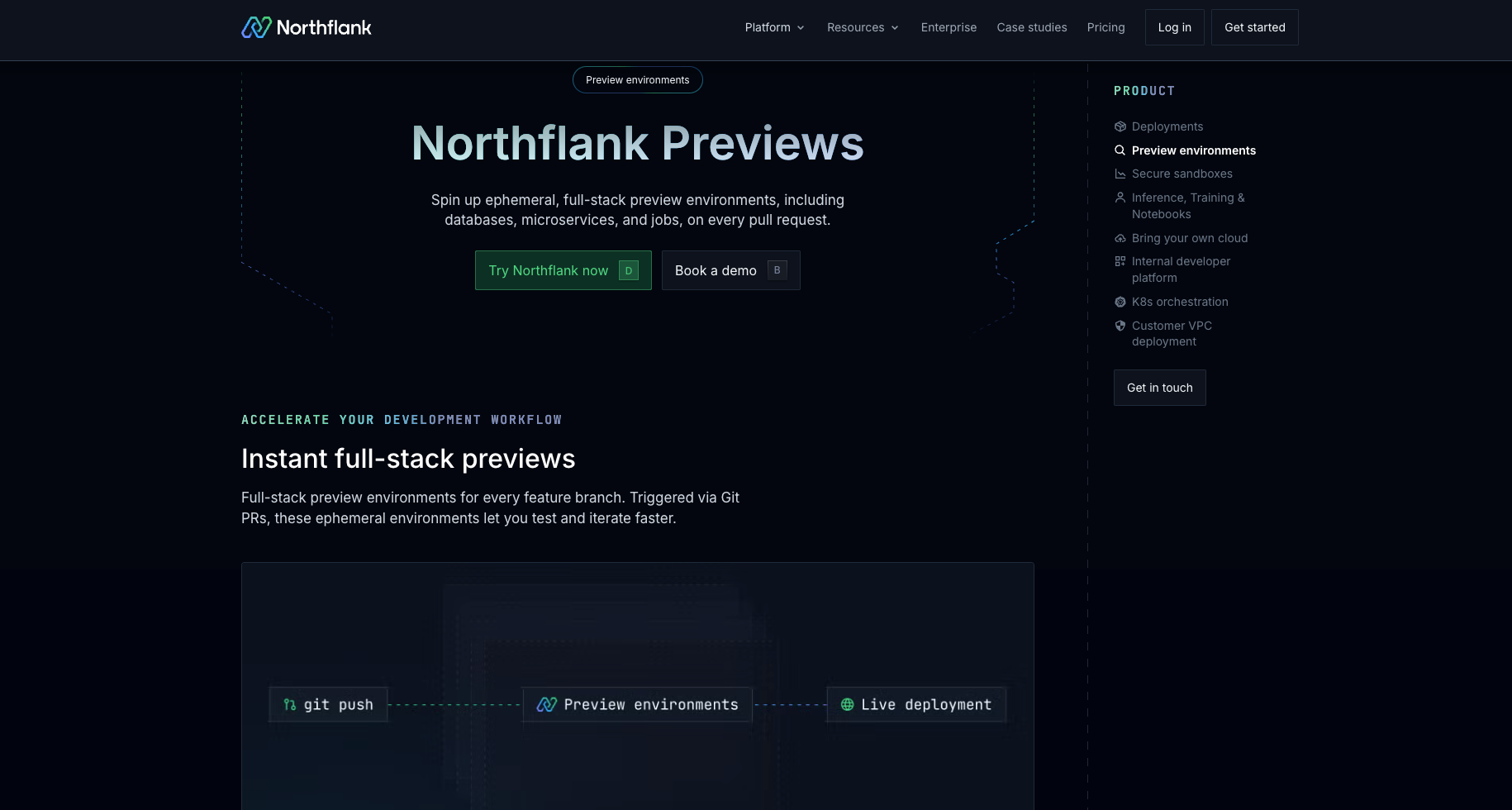
Cost controls include automatic teardown on PR close, a preview environment duration setting that caps how long any environment runs, and, for projects on BYOC, active hours configuration that limits automatic environment creation to the days and hours you specify.
For the full setup walkthrough, see the Set up a preview environment documentation and the How to auto-create preview environments on every PR guide.
Get started with Northflank ephemeral environments
- Set up a preview environment: full reference for configuring a preview environment template on Northflank
- Create and manage previews: how to create, update, and delete preview environments manually and via webhook
- Northflank preview environments: full overview of Northflank's ephemeral environment capabilities and cost controls
Get started (self-serve), or book a demo if you have specific infrastructure requirements.
A staging environment is long-lived and shared across the team. An ephemeral testing environment is short-lived and scoped to a single code change or test run. Multiple ephemeral environments can run in parallel, each isolated from the others, whereas a shared staging environment can become a bottleneck when multiple teams need to deploy simultaneously.
The most common approach is to configure a CI/CD pipeline that watches for pull request events and triggers environment provisioning automatically. On Northflank, this is done using a preview environment template inside a pipeline, with a Git pull request trigger scoped to your repository.
The most common trigger is opening a pull request. Commits pushed to a branch with an open PR typically update the existing environment for that branch rather than creating a new one. Scheduled pipeline runs and webhook triggers are also used depending on the workflow.
Configure automatic teardown so environments are destroyed when the PR is merged or closed. A TTL (time-to-live) setting can cap how long any environment runs regardless of PR status. On Northflank, active hours configuration is also available for BYOC projects, limiting automatic environment creation to the days and hours you specify.
- What are ephemeral environments? How they work and when to use them: covers the full taxonomy of ephemeral environment types, including testing environments, preview environments, sandboxes, and AI execution environments.
- How to auto-create preview environments on every PR: step-by-step walkthrough for setting up automatic ephemeral environments on Northflank.
- The what and why of ephemeral preview environments on Kubernetes: a detailed look at implementation challenges for full-stack ephemeral environments on Kubernetes.
- Ephemeral sandbox environments: covers isolation models for ephemeral environments in depth, including when containers are sufficient and when stronger isolation is needed.
- Tools for ephemeral environments: a roundup of tools for managing ephemeral environment creation, lifecycle, and teardown.
- Using ephemeral preview environments to test your vibe-coded apps: a practical look at ephemeral environments in the context of AI-assisted development workflows.