
Top tools for ephemeral environments in 2026
Ephemeral environment tools differ in stack scope, isolation model, and how environments are triggered. The right one depends on what your workloads need. See the top tools for ephemeral environments below:
- Northflank: Provides full-stack ephemeral preview environments and sandboxed execution environments. Supports Git PR, API, CLI, UI, and GitOps triggers. Includes managed databases, background jobs, secrets, microVM isolation, and bring-your-own-cloud (BYOC) support across AWS, GCP, Azure, Civo, Oracle Cloud, CoreWeave, on-premises, and bare-metal infrastructure.
- Bunnyshell: Ephemeral environments per PR defined via Docker Compose, Helm, Kubernetes manifests, or Terraform.
- Okteto: Kubernetes-native preview environments triggered via GitHub Actions or GitLab CI/CD.
- Uffizzi: Open-source ephemeral environments using virtual clusters and Docker Compose.
Worth noting: Northflank provides full-stack ephemeral preview environments and sandboxed execution environments on the same platform, with support for microVM-based isolation (Firecracker, gVisor, Kata Containers), BYOC (Bring Your Own Cloud) across AWS, GCP, Azure, Civo, CoreWeave, Oracle Cloud, and on-premises infrastructure, and environment creation in roughly 1-2 seconds.
Tools for ephemeral environments are not all built for the same problem. Some focus on preview environments triggered by pull requests, others on on-demand provisioning via API, and others on isolated execution for AI agent workloads or untrusted code.
This guide covers the top tools for ephemeral environments in 2026, what each one provides, and how to match them to your use case.
Ephemeral environment tools are platforms and runtimes that create short-lived, isolated environments on demand and destroy them when their purpose is served.
Unlike persistent staging environments, ephemeral environments carry no long-term state and are tied to a specific event: a pull request, an API call, a CI pipeline step, or an agent task.
They range from managed platforms that provision full application stacks per PR, to open-source Kubernetes-native tools that create virtual clusters per branch, to sandbox runtimes that isolate AI-generated or untrusted code at the kernel level.
Choosing between them starts with understanding what your environments need to include and how they need to be triggered.
Before evaluating specific tools, map your requirements across these five dimensions:
- Trigger model: Git pull request triggers are the most common, but some teams need environments triggered from a CI pipeline step, an API call, a CLI command, or an internal tool. Not all platforms support all trigger modes. If you are building an internal developer platform or running AI agent pipelines, API-driven provisioning is a hard requirement.
- Stack scope: Most tools provision containers. Far fewer provision managed databases, background jobs, and encrypted secrets alongside your services. If your integration tests need a live database with seeded data, or your preview environments need secrets injected at runtime, you need full-stack scope.
- Isolation model: For standard preview environments where your own engineers author the code, container-level isolation is typically sufficient. For AI agent workloads or untrusted code execution, you need stronger isolation. Containers share a host kernel, which means a kernel vulnerability can break isolation entirely. microVM-based runtimes (Firecracker, gVisor, Kata Containers) give each environment its own kernel boundary.
- Hosting model: Managed platforms handle the infrastructure for you. BYOC (Bring Your Own Cloud) lets you run environments inside your own cloud account or VPC, which matters if you have data residency requirements or need environments to access private infrastructure. Self-hosted options give you full control at the cost of operational overhead.
- Lifecycle control: Ephemeral environments that are not cleaned up automatically lead to environment sprawl and cost overruns. Look for teardown policies tied to PR close or merge, idle shutdown after a configurable period, and duration-based expiry.
The four tools below differ in trigger model, stack scope, isolation depth, and hosting model. Here is what each one provides.
Northflank is a full-stack deployment platform with native support for ephemeral preview environments and sandboxed code execution. You define a preview environment template specifying your services, managed databases, background jobs, secrets, and lifecycle rules, then trigger it however fits your workflow.
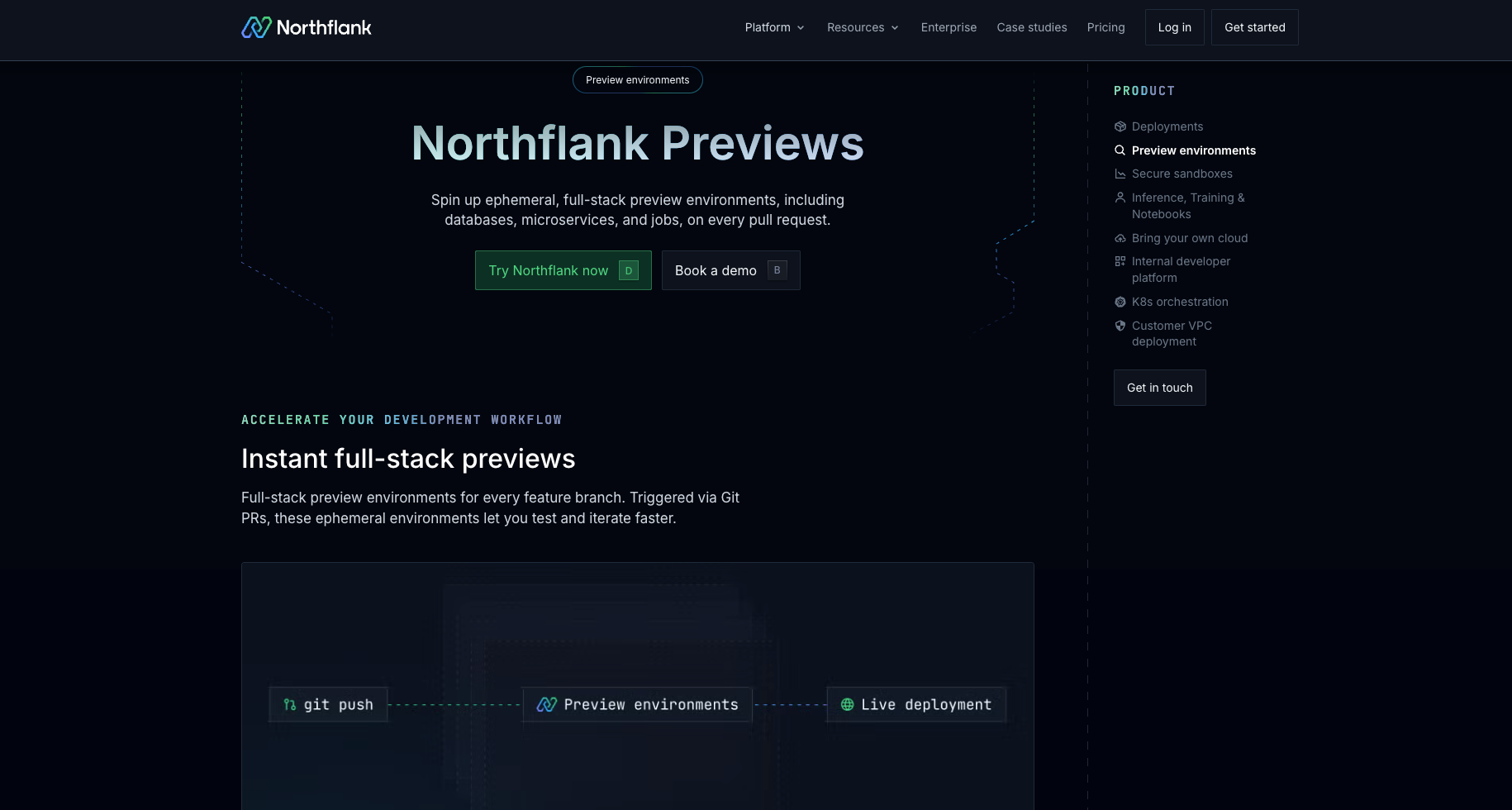
What Northflank provides:
- Trigger model: Git pull request triggers, branch pushes, manual UI actions, CLI commands, and direct REST API calls. The API covers environment creation, listing, pausing, resuming, and deletion. Arguments can be passed at run time to parameterize each environment.
- Stack scope: Each preview environment can include services, managed database addons (PostgreSQL, MySQL, MongoDB, Redis), scheduled jobs, and encrypted secret groups. Your preview environments can run real integration tests, not just frontend or API smoke tests.
- Sandbox isolation: Northflank supports microVM-based sandboxes using Firecracker, gVisor, and Kata Containers. Both ephemeral and persistent sandbox modes are available, covering teams running AI agent pipelines or sandboxed code execution where container-level isolation is not sufficient.
- Hosting model: Northflank runs on its own managed infrastructure or on your own cloud account via BYOC (Bring Your Own Cloud). BYOC supports AWS, GCP, Azure, Civo, CoreWeave, Oracle Cloud, on-premises, and bare-metal infrastructure, available self-serve.
- Lifecycle control: Configure duration-based teardown, idle shutdown policies, and active hours restrictions per environment template. Once policies are set, environments clean up without manual intervention.
Go deeper on Northflank:
- How to auto-create preview environments on every PR: Step-by-step walkthrough for setting up automated preview environments using Git pull request triggers.
- Ephemeral sandbox environments: Covers isolation models for sandboxed workloads, including container-based and microVM options.
- Ephemeral execution environments for AI agents: Covers ephemeral execution environments for AI agent pipelines and untrusted code workloads.
- Set up a preview environment: Full setup documentation for preview environments on Northflank.
- Create and manage previews: Documentation for creating and managing preview environment lifecycles on Northflank.
Bunnyshell provides ephemeral environments per pull request using YAML-based environment definitions. Environments are defined using Docker Compose, Helm, Kubernetes manifests, or Terraform components.
What Bunnyshell provides:
- Trigger model: GitHub, GitLab, and Bitbucket as Git providers. Environments trigger on pull request open and tear down on merge or close. A public API and SDK are available for programmatic lifecycle operations.
- Stack scope: Environments cover multi-service setups. Database support depends on how you define your environment components: container databases, cloud-managed databases, and SaaS databases are supported via component definitions.
- Lifecycle control: Lifecycle workflows cover deploy, destroy, start, and stop.
- Configuration: Variable groups and interpolation handle environment-specific configuration. Data seeding is supported for container databases, cloud-managed databases, and SaaS databases.
Okteto provides Kubernetes-native preview environments triggered via GitHub Actions or GitLab CI/CD.
What Okteto provides:
- Trigger model: GitHub Actions and GitLab CI/CD. Environments trigger on pull request open and clean up on close or merge via the CI/CD workflow.
- Stack scope: Deploys application services into Kubernetes namespaces.
- Scope options: Environments can be scoped globally (visible to all team members) or personally (visible only to the creator and those explicitly shared with).
- Lifecycle control: Automatic cleanup on PR close or merge. Garbage collection with configurable sleep and delete periods is available at the admin level.
Uffizzi is an open-source platform for ephemeral environments built around virtual clusters and Docker Compose definitions. Each environment gets its own lightweight virtual Kubernetes cluster, providing cluster-level isolation per environment.
What Uffizzi provides:
- Trigger model: GitHub Actions and GitLab CI for triggering environments from CI pipelines. Environments can also be triggered and managed via CLI or dashboard.
- Stack scope: Supports Docker Compose, Helm, Kustomize, and Kubernetes manifests.
- Lifecycle control: Automatic teardown on PR close or merge, or via a configurable TTL.
- IDP integration: Provides a Backstage plugin for teams building internal developer platforms on the Backstage framework.
The table below maps common ephemeral environment use cases to the tools that support them.
| If you need... | Consider... |
|---|---|
| Full-stack preview environments per PR, including managed databases, background jobs, and secrets | Northflank |
| API-driven or programmatic environment provisioning outside the Git PR lifecycle | Northflank (full REST API, CLI, UI, GitOps), Bunnyshell (public API and SDK) |
| microVM-based sandbox isolation for AI agent workloads or untrusted code execution | Northflank |
| BYOC support to run environments inside your own cloud account or VPC | Northflank (self-serve: AWS, GCP, Azure, Civo, CoreWeave, Oracle Cloud, on-premises, bare metal), Okteto (managed: AWS and GCP) |
| Kubernetes-native preview environments triggered via GitHub Actions or GitLab CI/CD | Okteto (GitHub Actions, GitLab CI/CD), Uffizzi (GitHub Actions, GitLab CI) |
| Both ephemeral and persistent sandbox environment modes on the same platform | Northflank |
A preview environment is a full-stack deployment of your application triggered by a Git event like a pull request. It mirrors your production stack for testing and review purposes. A sandbox environment is an isolated runtime focused on execution safety, used to run untrusted or AI-generated code where stronger isolation at the kernel level is required.
Some tools support managed database provisioning as part of the environment. Northflank provisions managed databases (PostgreSQL, MySQL, MongoDB, Redis) alongside services, jobs, and secrets in a single environment template. Bunnyshell supports databases via component definitions, including container databases, cloud-managed databases, and SaaS databases.
The most common trigger is a Git pull request: an environment spins up when the PR opens and tears down when it closes or merges. Some platforms also support API calls, CLI commands, CI pipeline steps, and UI actions as triggers. Northflank supports all of these.
A managed tool handles the underlying infrastructure for you. You define your environment and the platform runs it on shared or dedicated cloud infrastructure. A self-hosted tool runs on infrastructure you own and manage. BYOC sits between the two: a managed control plane runs on the provider's infrastructure, but your workloads run inside your own cloud account or VPC.
Northflank supports BYOC across AWS, GCP, Azure, Civo, CoreWeave, Oracle Cloud, on-premises, and bare-metal infrastructure, available self-serve. Okteto supports BYOC and self-hosted deployment. Uffizzi can be self-hosted on your own Kubernetes cluster. Bunnyshell deploys environments to external Kubernetes clusters you provide.
If you want to go deeper on specific use cases and comparisons covered in this guide, these articles are a good next step.
- Ephemeral sandbox environments: Covers isolation models for ephemeral sandboxes in depth, including container-based, microVM, and full VM options, and when each is appropriate.
- Ephemeral execution environments for AI agents: Covers why AI agent workloads require ephemeral execution environments and how to implement them in production, including isolation model selection and lifecycle management.
- Best platforms for on-demand preview environments: Compares platforms that support API-driven, programmatic environment provisioning outside the standard PR lifecycle.
- Northflank preview environments: Covers Northflank's full-stack preview environment capabilities including trigger modes, database provisioning, and lifecycle controls.
- How to auto-create preview environments on every PR: Step-by-step guide to configuring automated preview environments on Northflank using Git pull request triggers.
- Kubernetes preview environments comparison: Compares Kubernetes-native preview environment platforms across cluster architecture, isolation strategy, and workload support.
- Preview environment platforms: Broader comparison of ten preview environment platforms across GitOps-driven infrastructure, frontend pipelines, and full-stack automated previews.
- Code execution environments for autonomous agents: Covers infrastructure requirements for running autonomous agent workloads, including isolation, lifecycle, and execution environment design.