You can assign multiple email addresses to receive Northflank invoices and any configured billing alerts.
You can manage your invoice email addresses from the Billing page.
To add a new email address:
- Go to the
Invoice delivery and displaysection. - Click
Add an email. - Enter the email you want to receive invoices and alerts.
Tip: You can add multiple addresses, and all of them will receive your billing notifications.
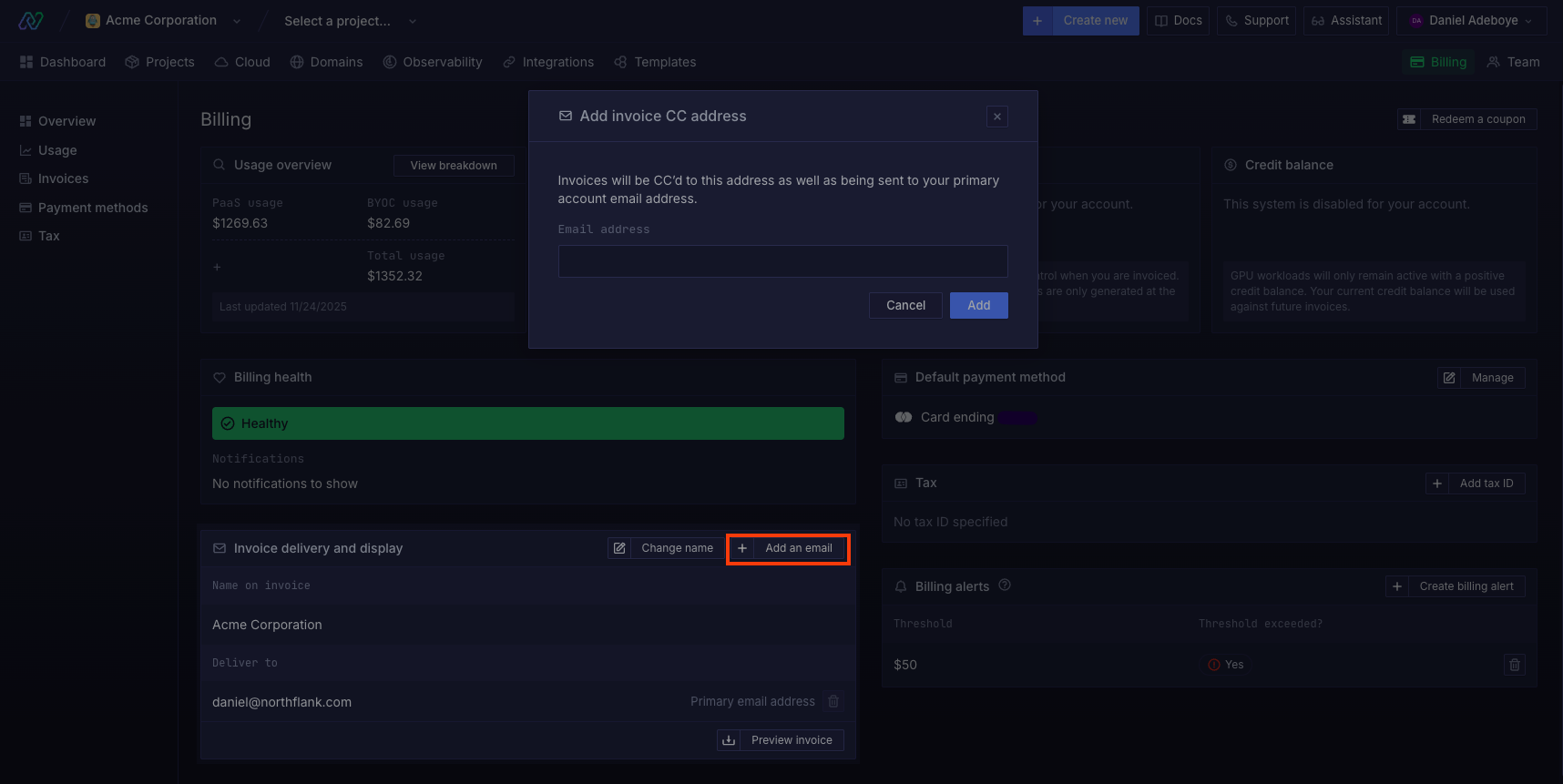
Click here to view your invoice delivery emails.